Lumion Pro 2026.0
See what's
new
See what's
new
Keep your ideas flowing with the latest version
Lumion Pro 2026.0
Keep your ideas flowing with the latest version
When deadlines approach, you can't afford to lose time populating scenes with context, polishing elevations, or waiting for billboard-ready outputs to render.
Lumion Pro 2026.0 is all about getting your projects from almost done to done faster, with fewer detours and less cleanup.
With this update, you'll find it much easier to finish projects in time, while maintaining the quality your clients expect. See what's inside:
Need instant site context without hand-placing thousands of items?
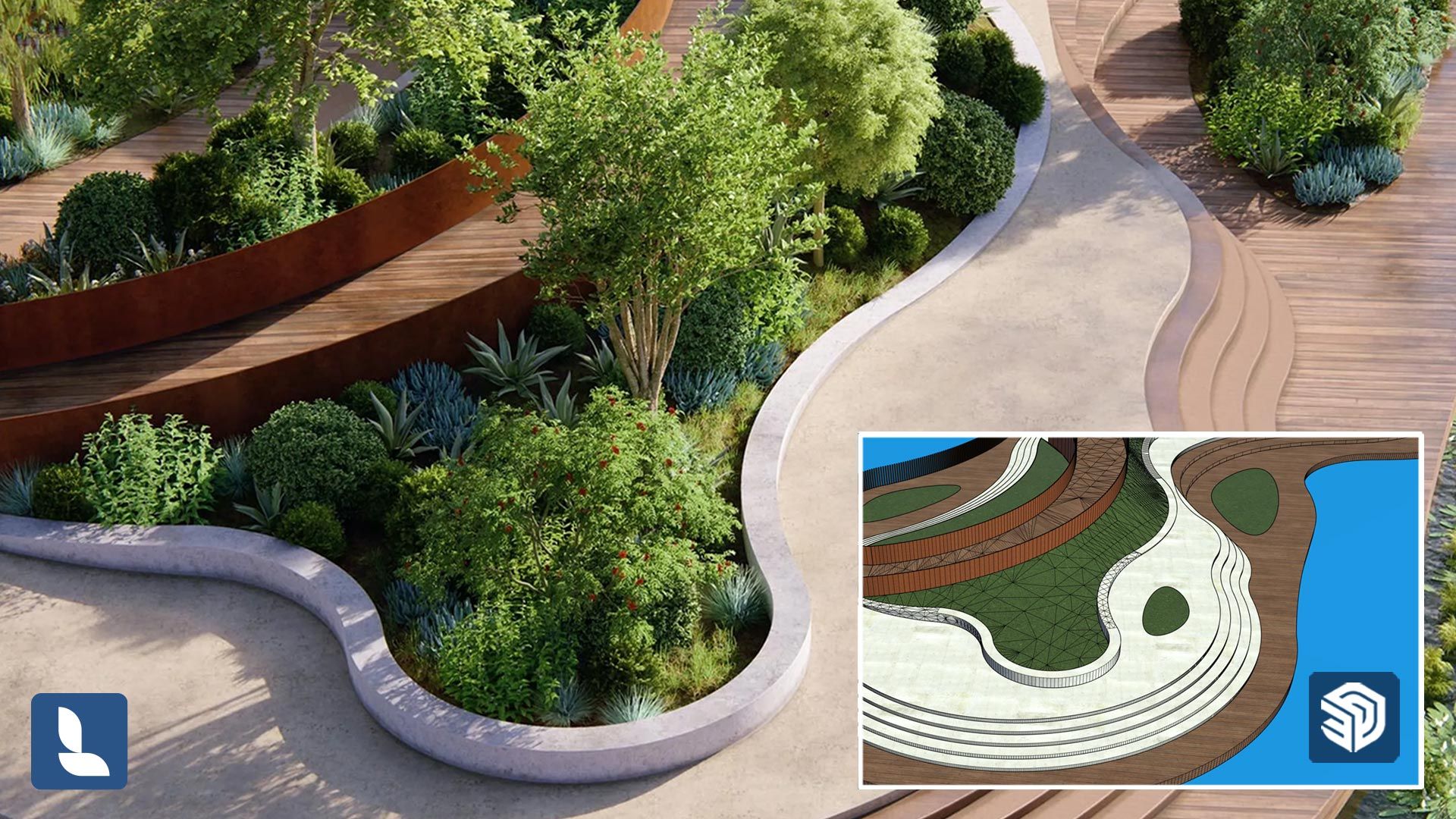
The new area placement tool lets you populate any large or irregular outdoor space with up to 5,000 nature items across 20 asset types.
Select your area, choose what to scatter, then place in one click.
Target the exact ground you want by selecting a surface or group of surfaces based on the assigned material. Great for lawns, planting beds, slopes, and plazas. You'll see a clear preview with improved spacing and orientation, so you know what you're about to place.
Sketch an irregular area directly in your scene and generate a live preview at the density you need. When you're happy, place everything at once. The tool keeps placement clean and contained, so your vegetation stays inside the shape and your edges stay crisp.
Control weight and collision per item type so scenes look natural and intentional. Use it to balance trees and underbrush, reduce overlap, and keep assets neatly distributed, even at higher densities.
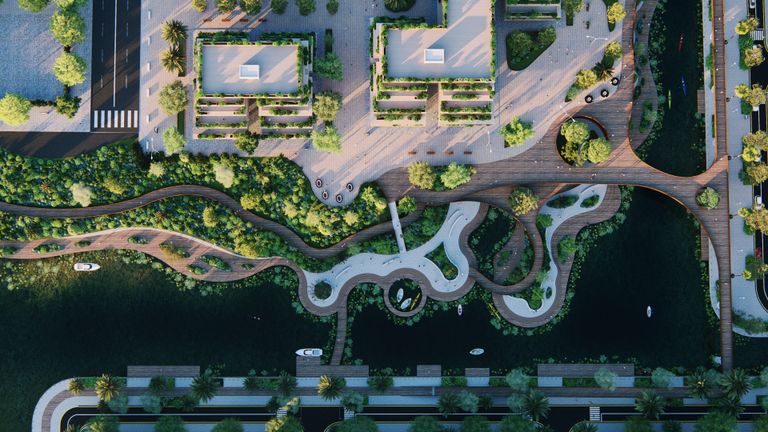
Add richness and variation to your scenes with brand-new nature content. This release introduces 73 ultra-detailed photogrammetric trees and small plants, including Common Oak, Mountain Ash, and Silver Birch, plus ground-layer detail like grasses, dandelions, yarrow, and St John's Wort.
You'll also get 31 new trees in different stages of growth, including English Oak, Italian Cypress, Ginkgo Biloba, Douglas Fir, and Eastern White Pine.
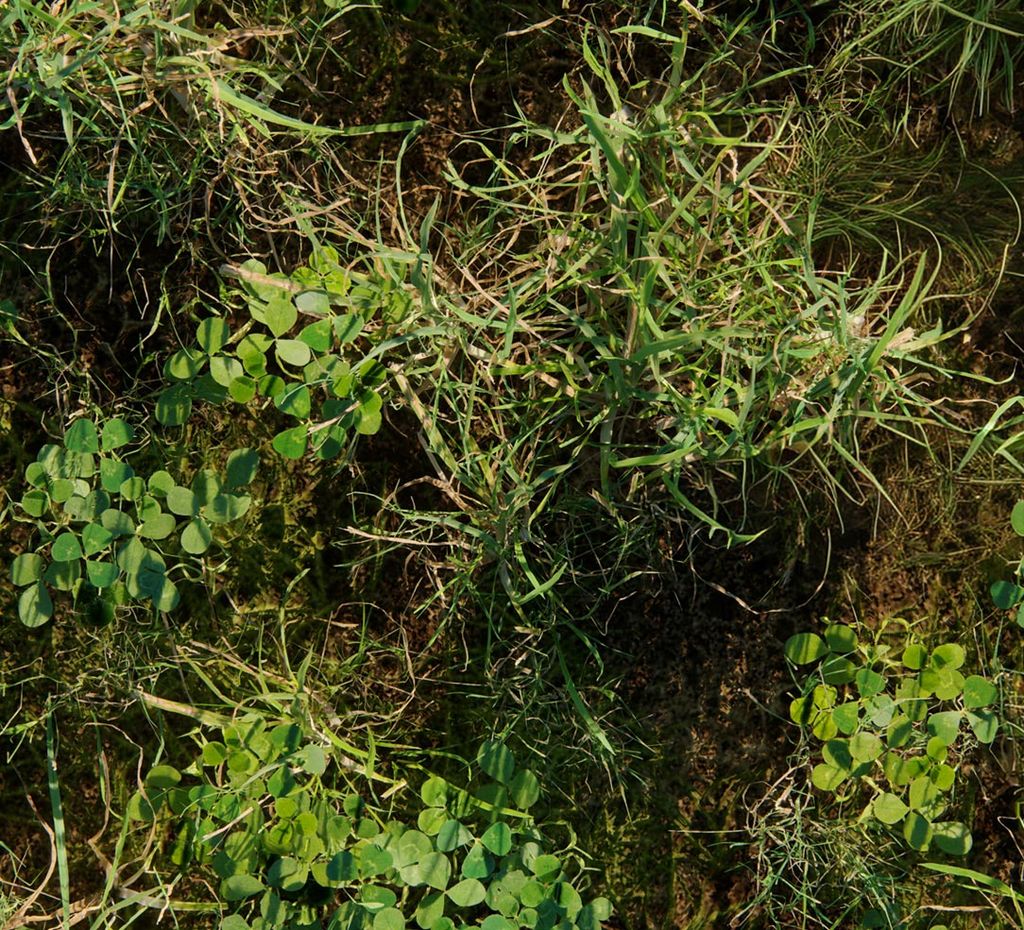
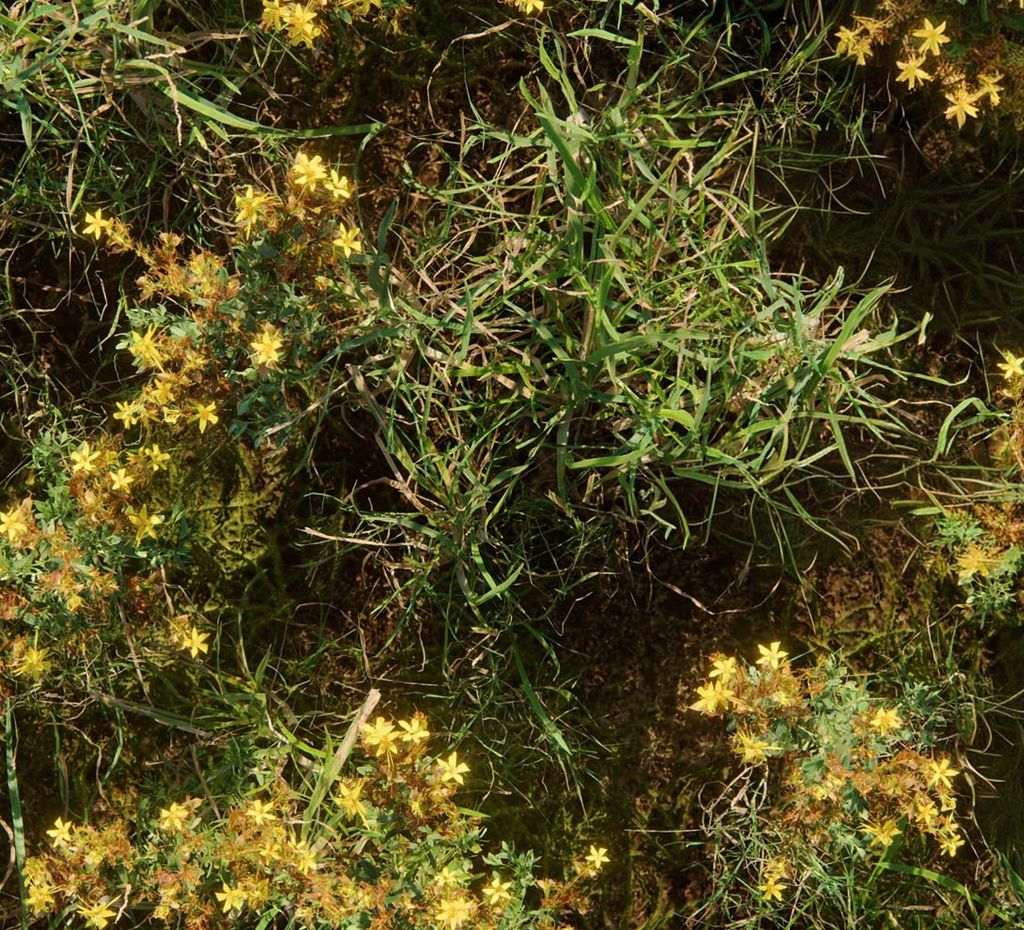
Discover 165 refreshed 3D models so your everyday project context looks sharper and more consistent, straight out of the library.
A set of 96 nature assets including favorites like European Beech, London Plane, Scots Pine, Red Maple, and Weeping Willow, plus updated staples such as White Birch and Silver Birch for more consistent detail across the scene.
69 updated urban items that sharpen streetscape context fast, including street lights, bus stops, bollards, awnings, and fire hydrants.
Clipping planes are perfect for explaining a design, but hollow cuts slow you down and make sections harder to read.
Now you can fill clipped areas in the clipping planes tool. Finish section views in Lumion Pro as diagram-style visuals and architectural drawings, without patching elsewhere.
Use a flat color for crisp, graphic sections, or apply a material to show the cut with more realism. Either way, you get cleaner sections that are ready to present sooner.
Explore the latest example scenes for a shortcut to great results. Each one is a polished setup you can open, tweak, and reuse — showing Lumion Pro's tools and effects in context.
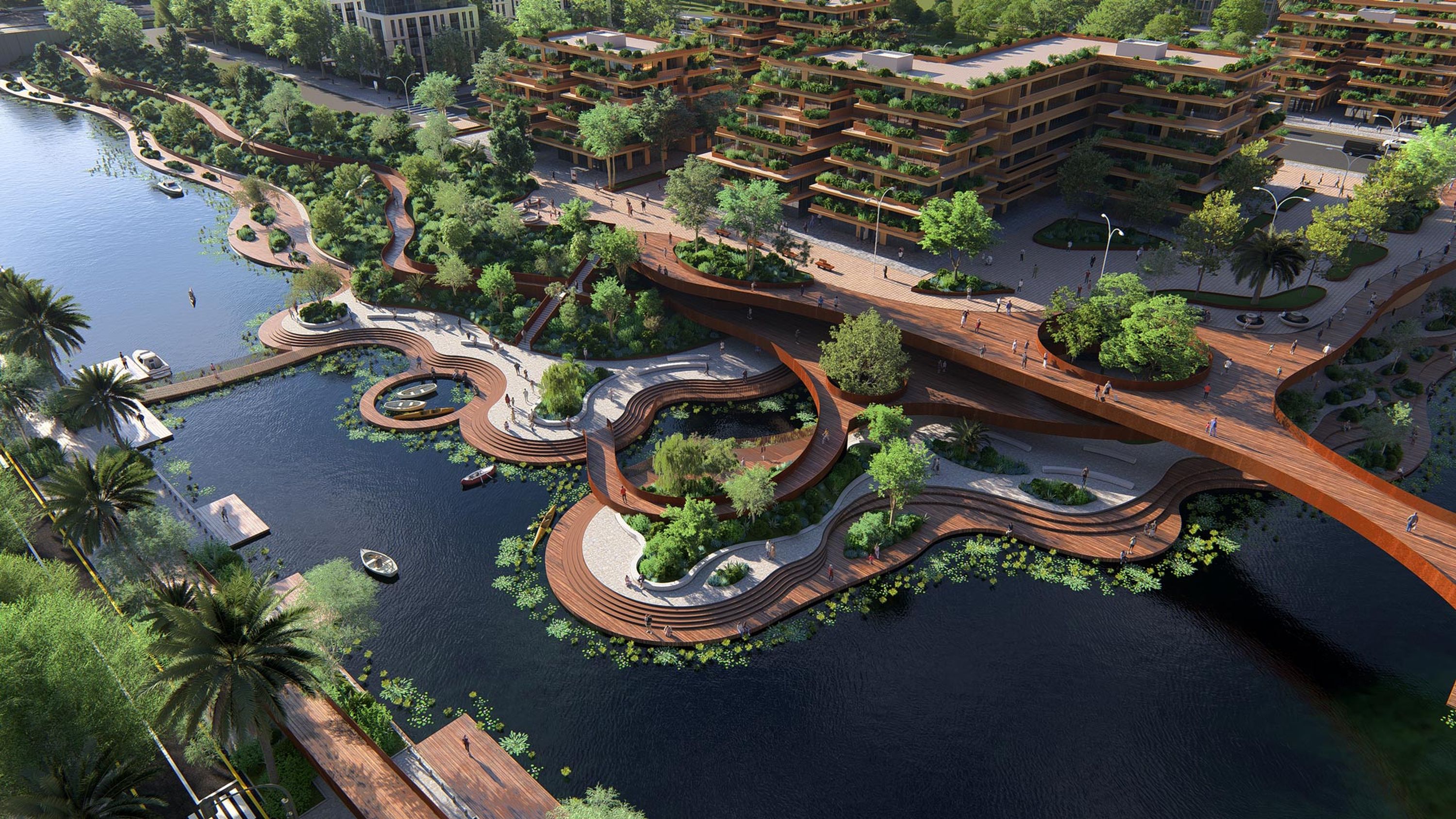
An organic urban scene brought to life with movement, light, and parallax interiors.
Warm coastal dwelling accentuated by volumetric sunlight and translucent materials.
Warm wood textures, soft shadows and cinematic animated elements.
A modern interior with layered lighting and a nighttime atmosphere.
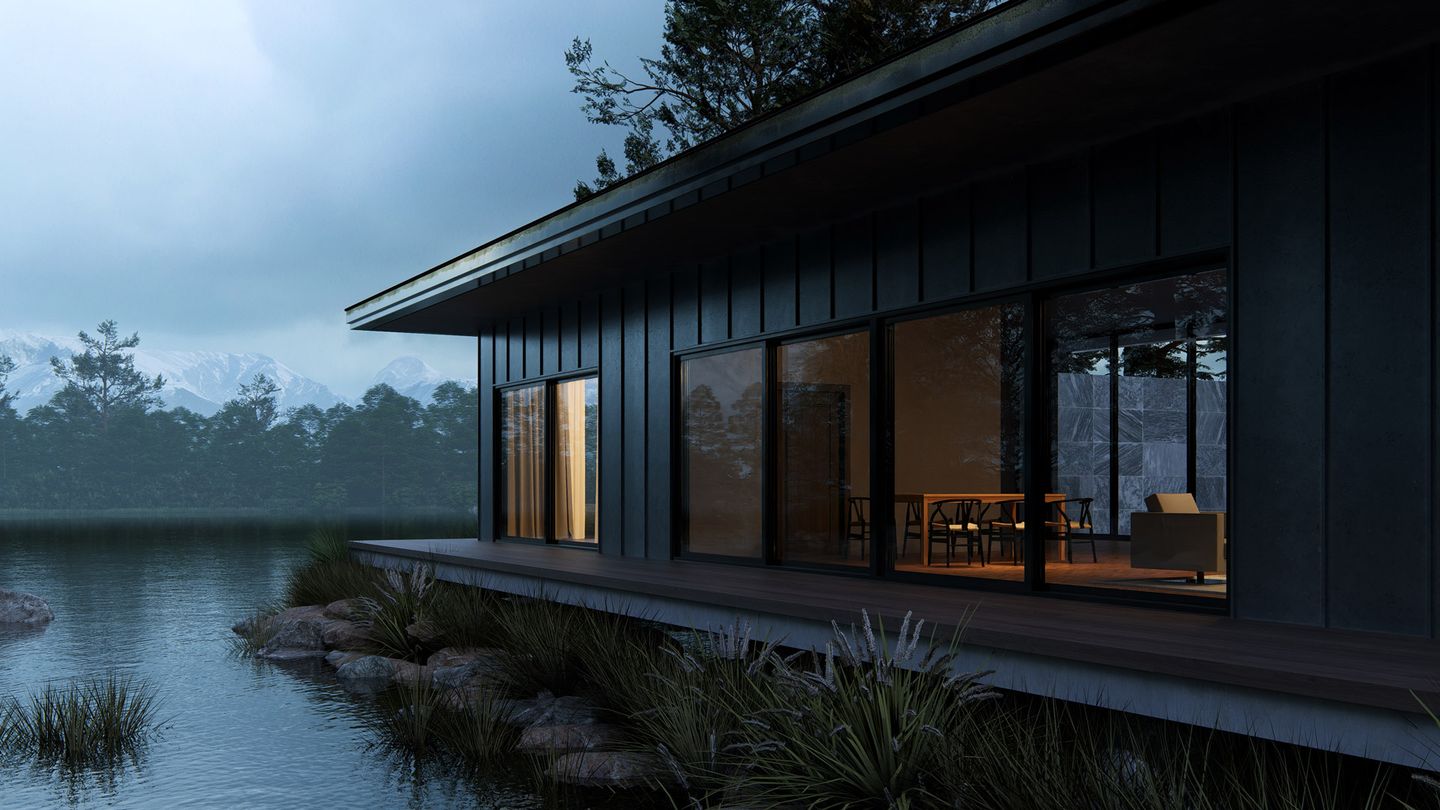
Billboard visuals. Minimal effort.
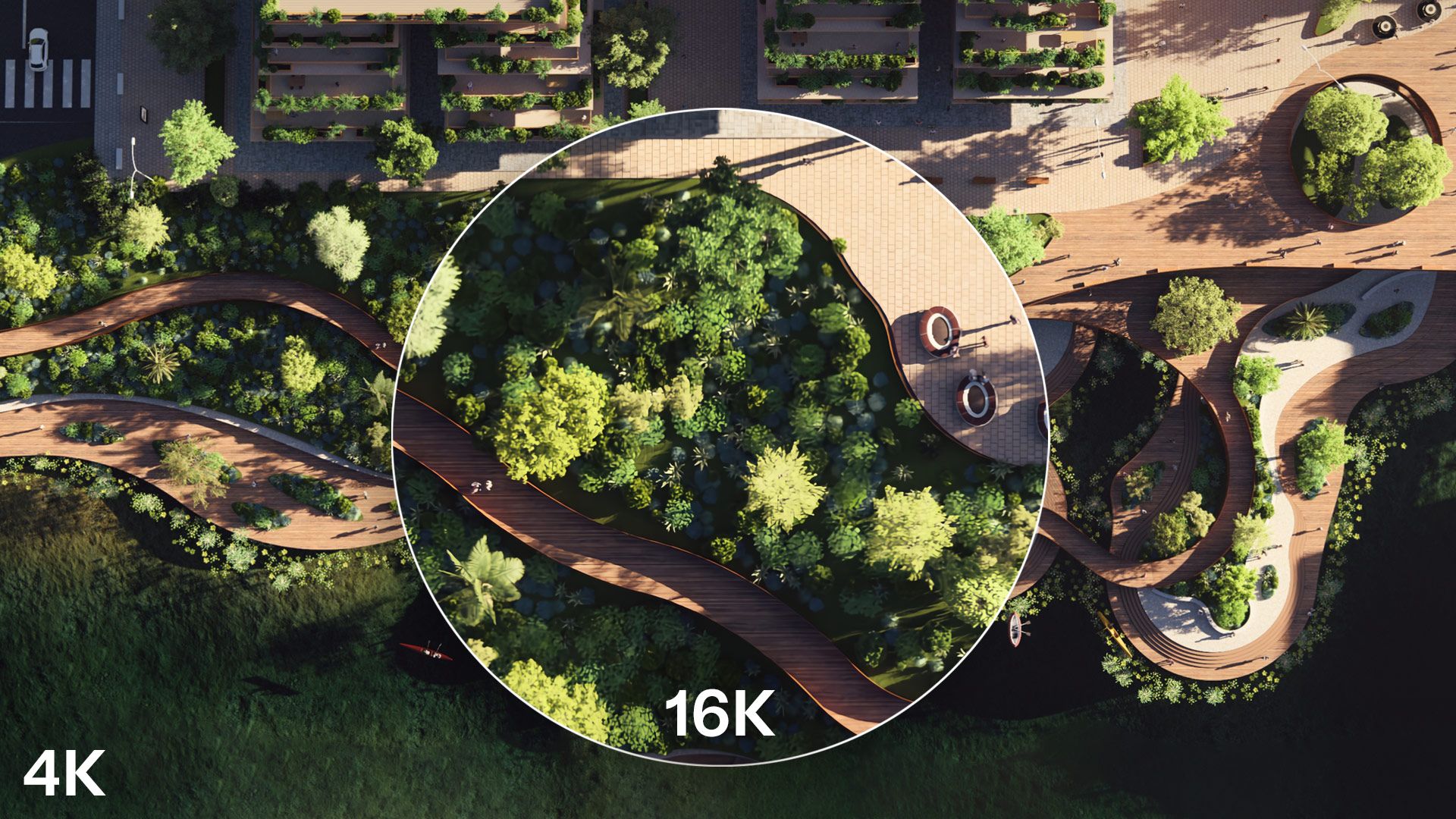
Produce crisp, print-ready images for boards, posters, banners, and billboards with the improved AI image upscaler.
Upscale with higher accuracy at 2x using both normal and depth maps, or choose the new 4x option for up to 16K output when you need maximum detail.
When projects get bigger, your outputs shouldn't get messier.
See the full picture, every time. Manage your 360° views more effectively with up to 300 panorama slots per project.
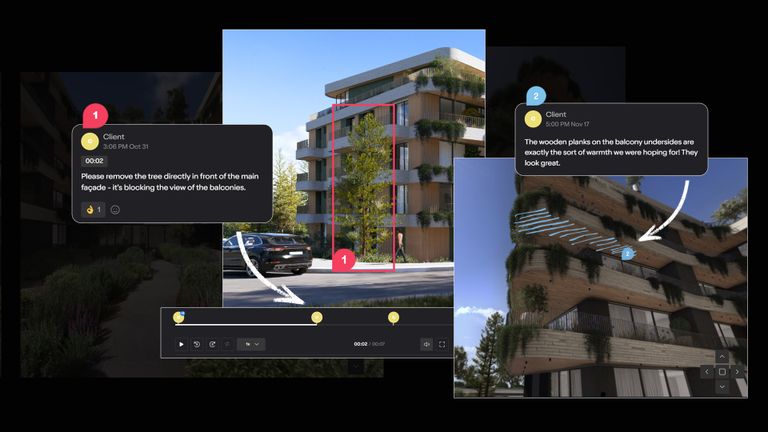
Create folders in Lumion Cloud straight from Lumion Pro when choosing an upload destination. Keep renders and iterations organized for faster sharing and smoother collaboration.
Your starting line just moved forward.
Import PBR material maps into Lumion Pro from SketchUp, Revit, and Archicad with the free LiveSync plugin.