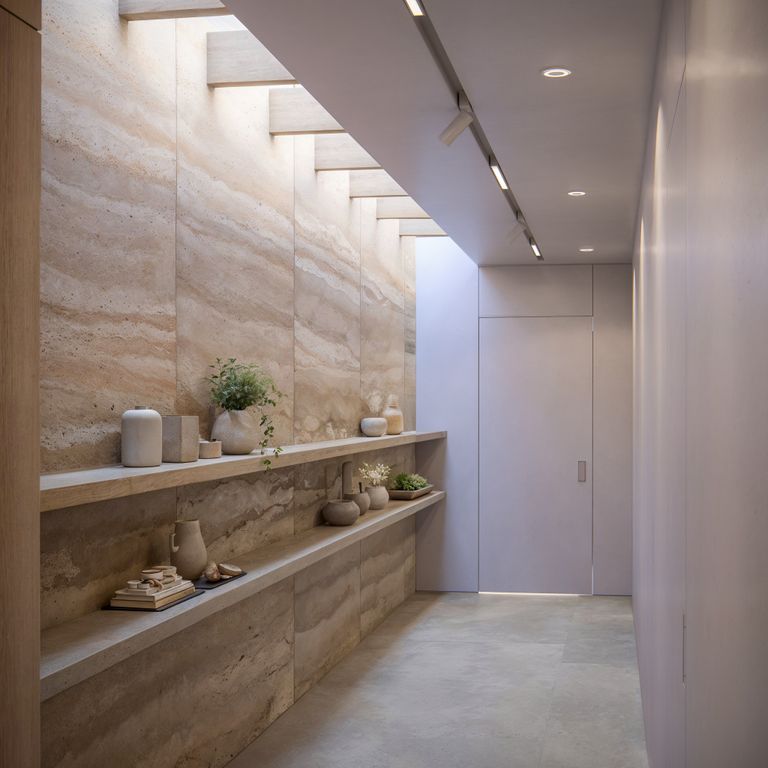
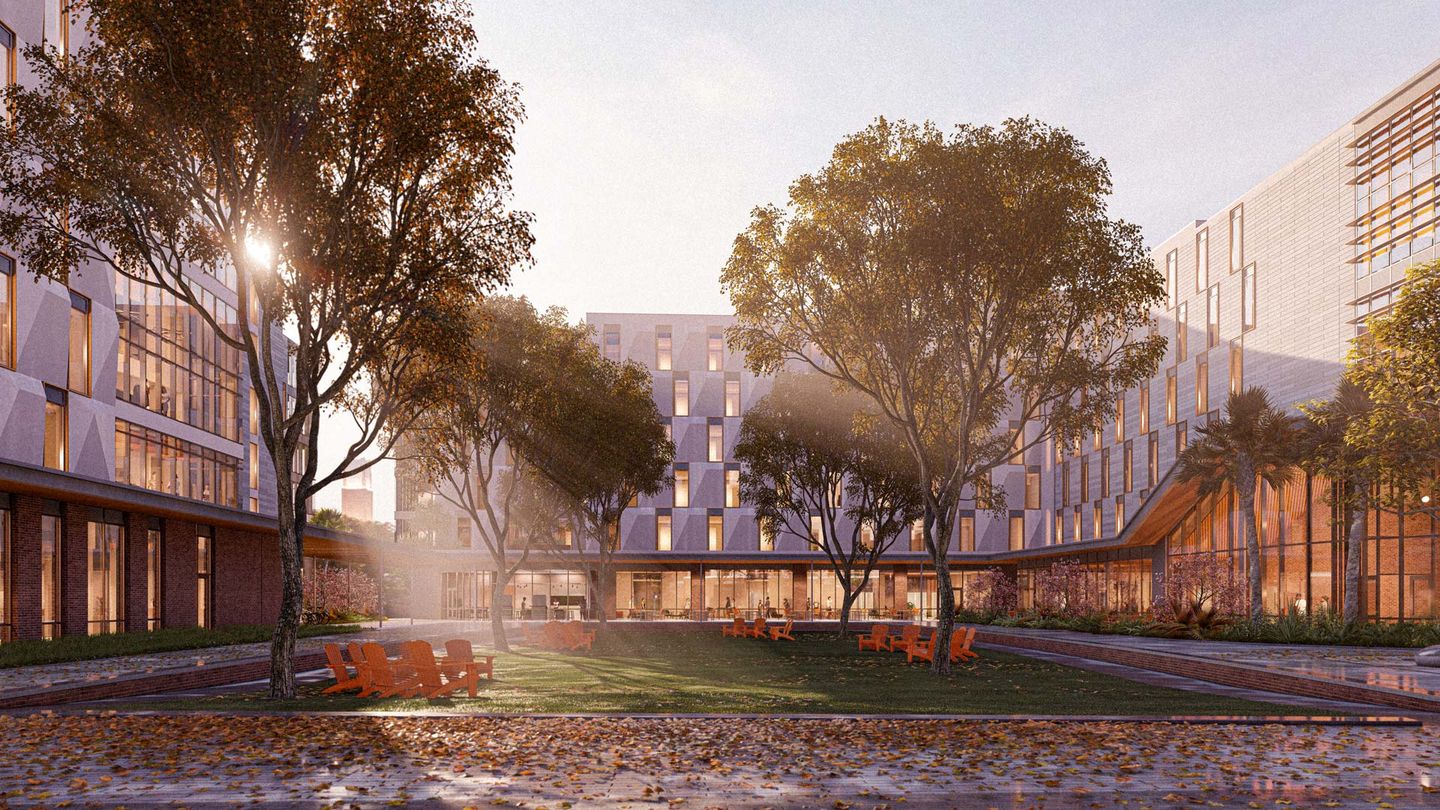
Align teams and clients with visuals that move decisions forward from concept to sign-off.
Make intent clear early, produce client-ready visuals, and keep feedback in one place.
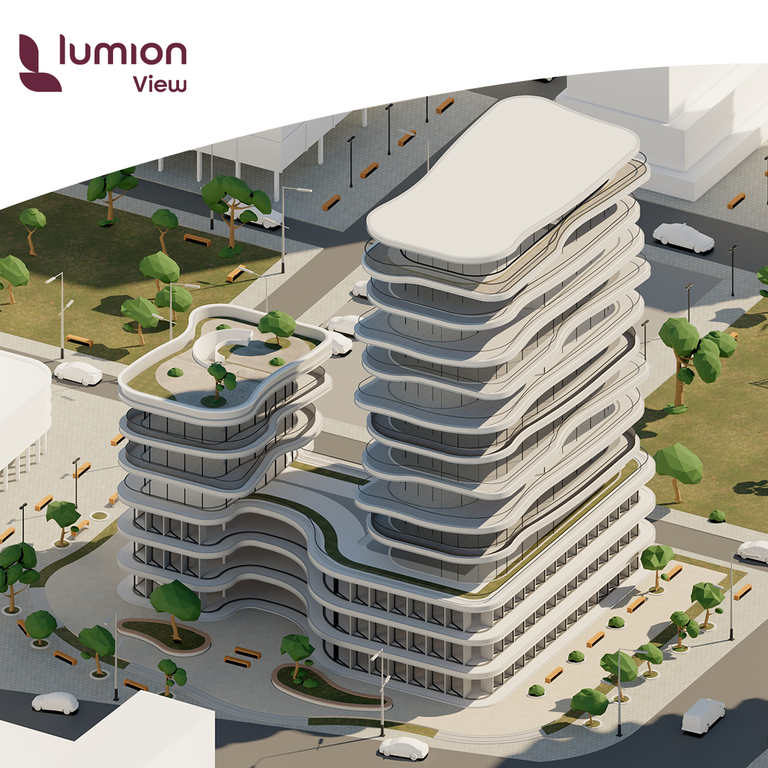
Test, refine, and validate early ideas with real-time rendering directly inside your modeling tool.
Create high-quality visualizations with complete control over context, atmosphere, and output.
Works with all major CAD & BIM.
Share designs, gather feedback, and create faster with AI in one visual collaboration workspace.
Now included in all Lumion plans.
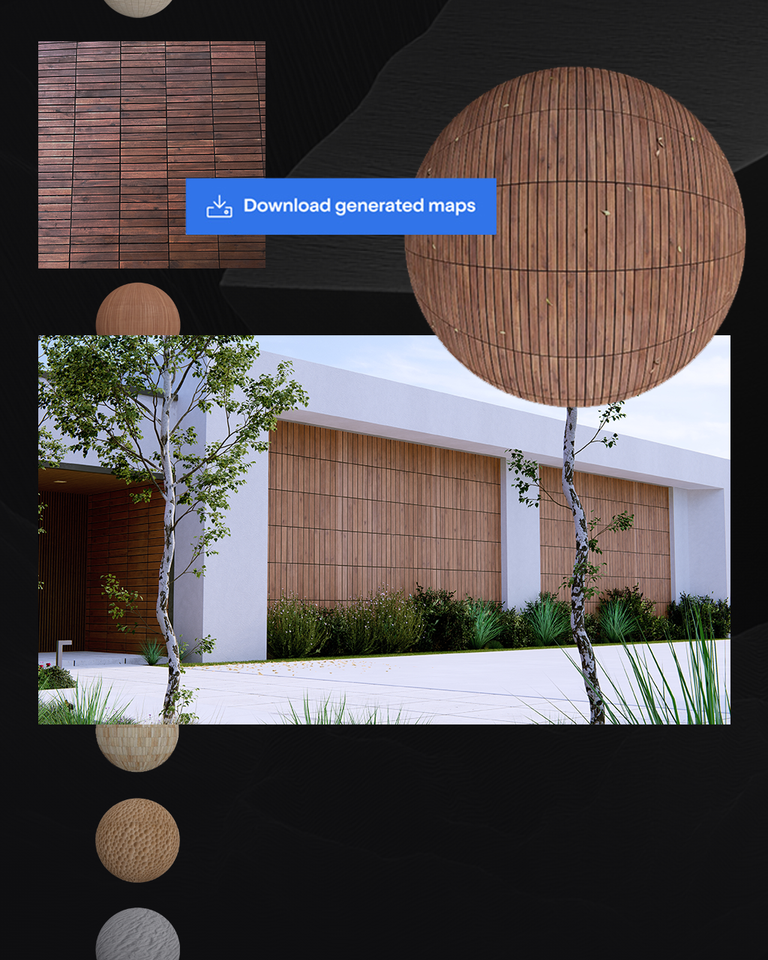
Turn any reference into a ready-to-use material.
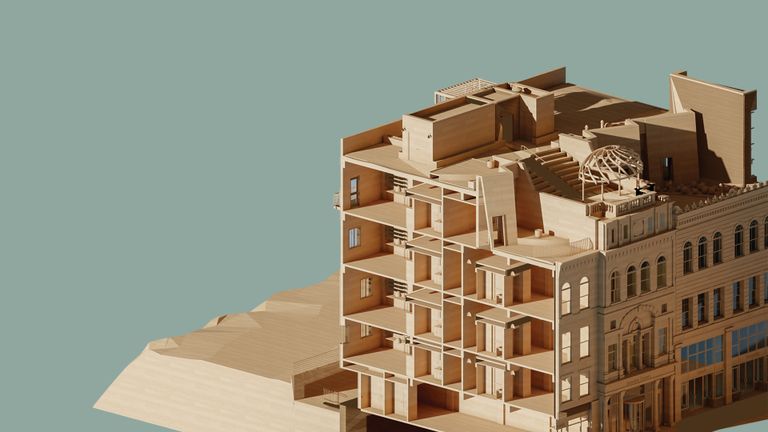
Fast visual feedback for concept design
Bring real-time ray tracing, lights, and materials into SketchUp, Revit, and Archicad—so you can validate decisions without breaking your flow.
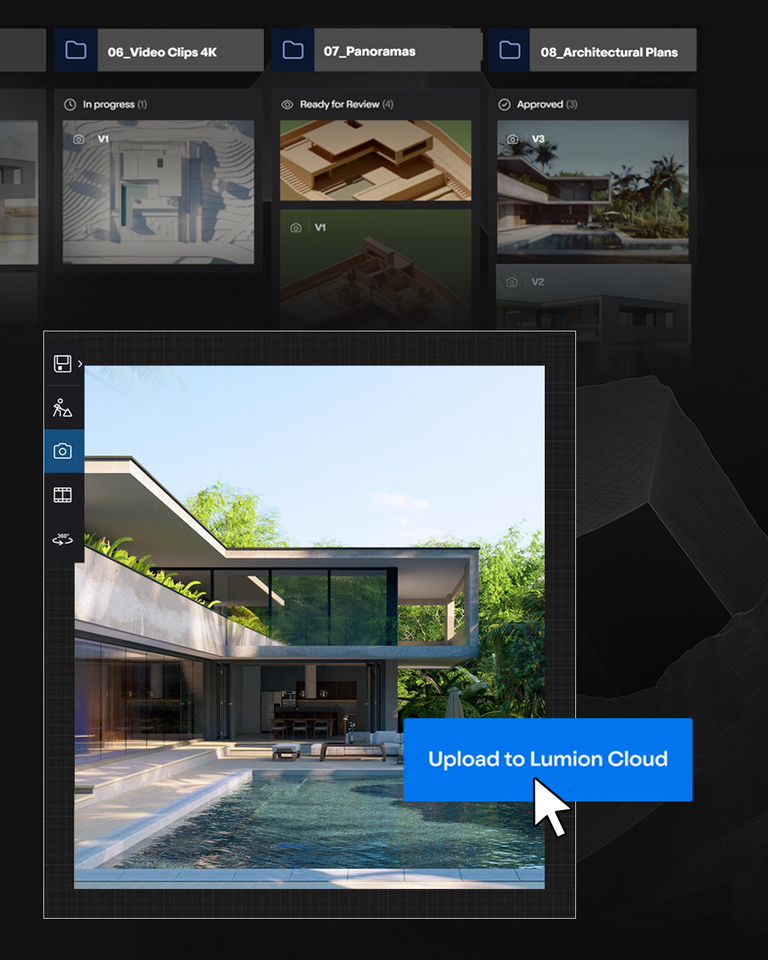
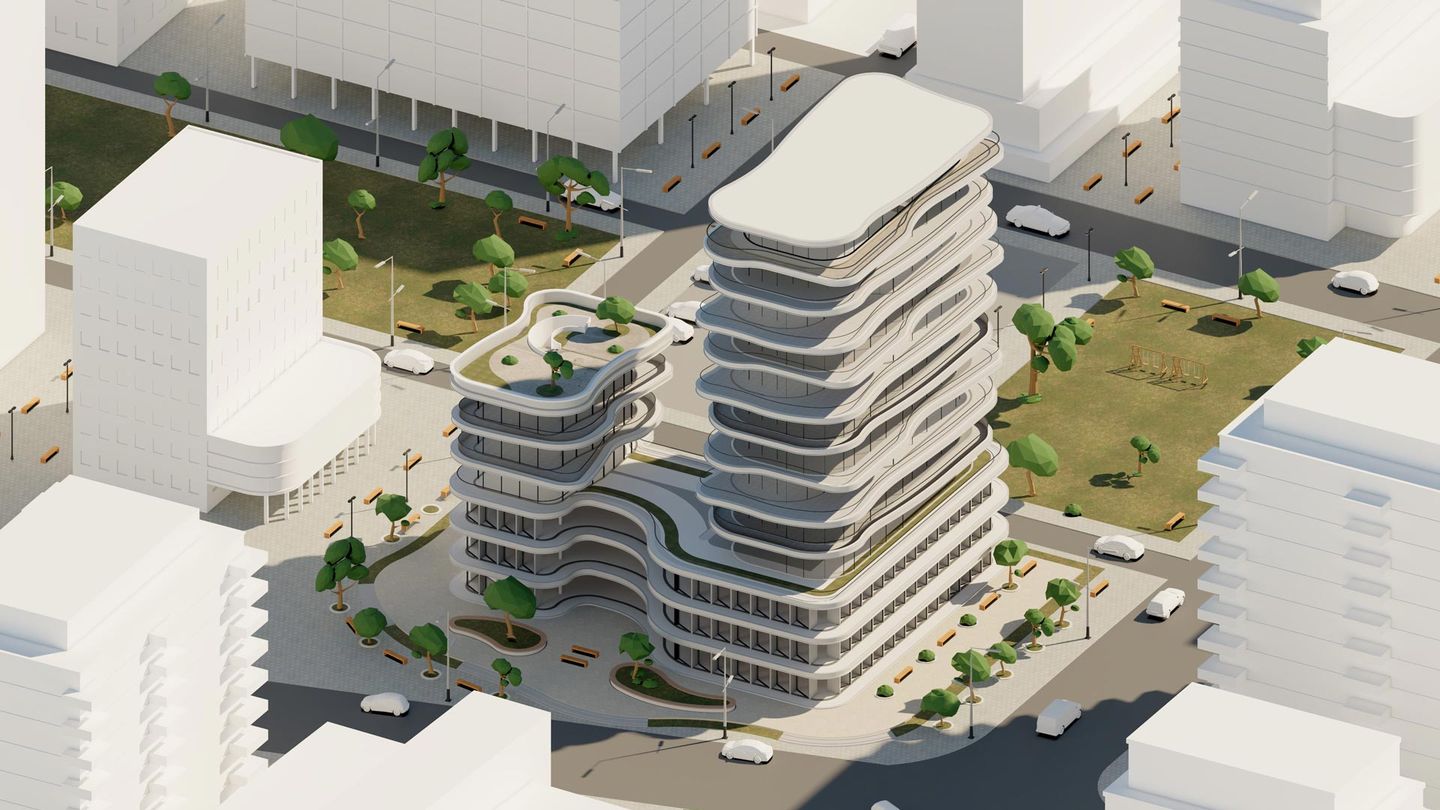
Create 4K renders and diagram views in minutes, then share with one-click upload to Lumion Cloud.
Client-ready visuals with complete scene control
High-quality visualization should move your project forward—not become a separate workflow.
Lumion Pro gives you control over context, lighting, materials, and output—so you can present clearly at every stage.
Easy to learn. Reliable every day. Built for deadlines.
Control how your design is understood, from model to review-ready visuals, even as projects evolve.
Design moves fast. Lumion Pro keeps up.
With the free Lumion LiveSync plugin, keep your CAD/BIM model and visualization in sync. See changes instantly—so iteration doesn't mean exporting, re-importing, and losing time.
Show your design the way it's meant to be experienced—within its full context.
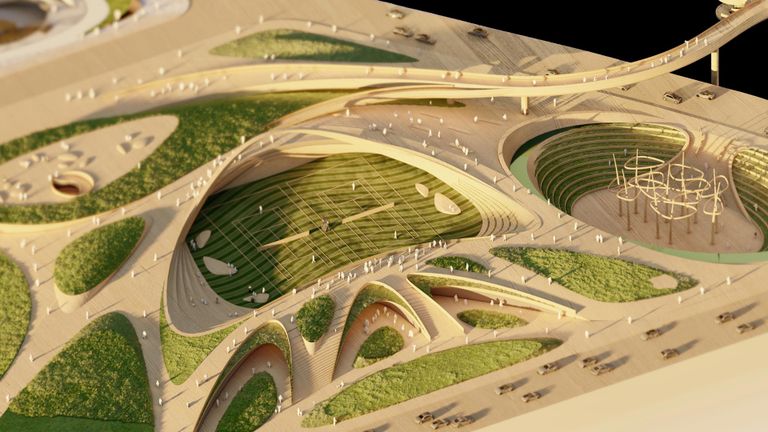
Shape your scene with 10,000+ high-quality assets, materials, lighting, and effects. Add terrain, nature, entourage, and atmosphere in just a few clicks.
Make each view unmistakably yours.
Build custom FX stacks or layer up from preset styles. Choose diagram clarity for reviews or high-detail realism for presentations. Fine-tune lighting, weather, skies, and seasons to match the moment and the message.
Deliver the right format for the job—high-res stills, walkthroughs, and 360° panoramas for reviews, approvals, and presentations.
Choose your aspect ratio and resolution based on the deliverable, and export with consistent results across a set.
Use the improved AI image upscaler for sharper high-resolution images up to 16K—ideal for boards, print, and close crops.
Real-time rendering, zero disruptions. Lumion Pro works seamlessly with the tools you already use.
Your visual workspace for smoother reviews and faster approvals
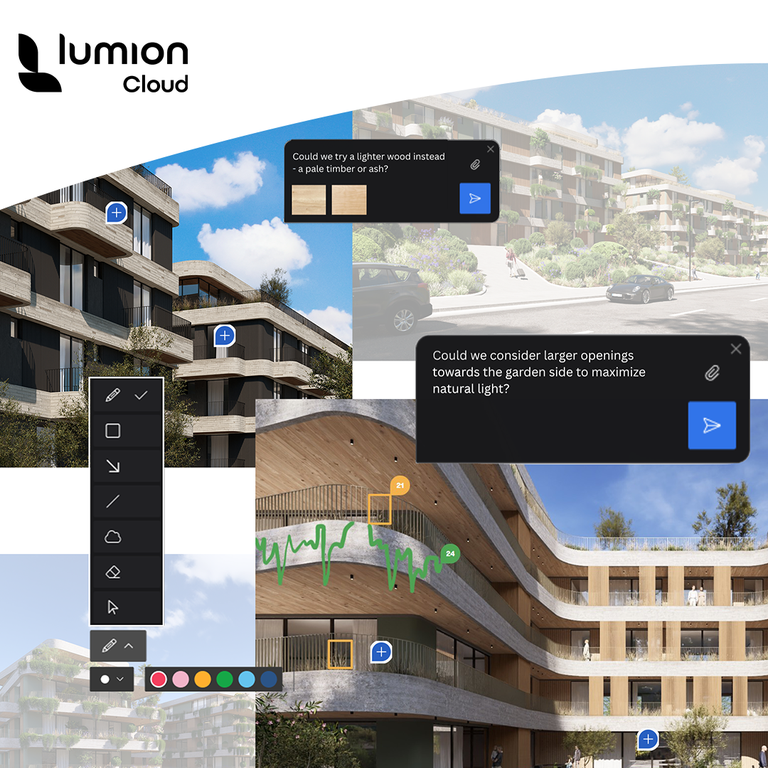
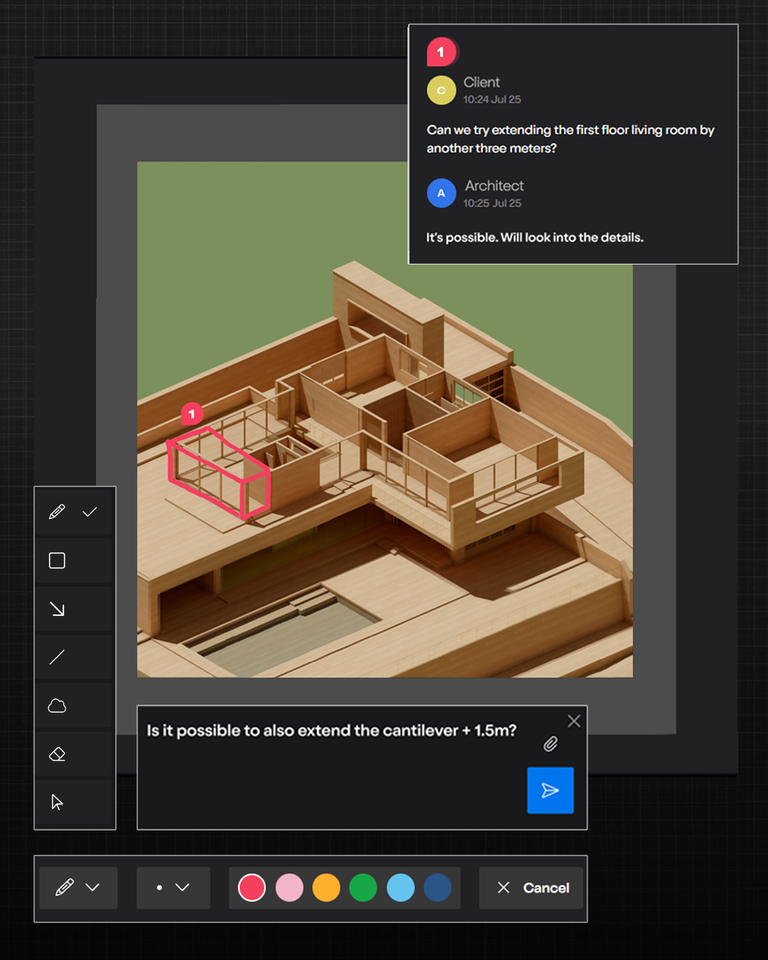
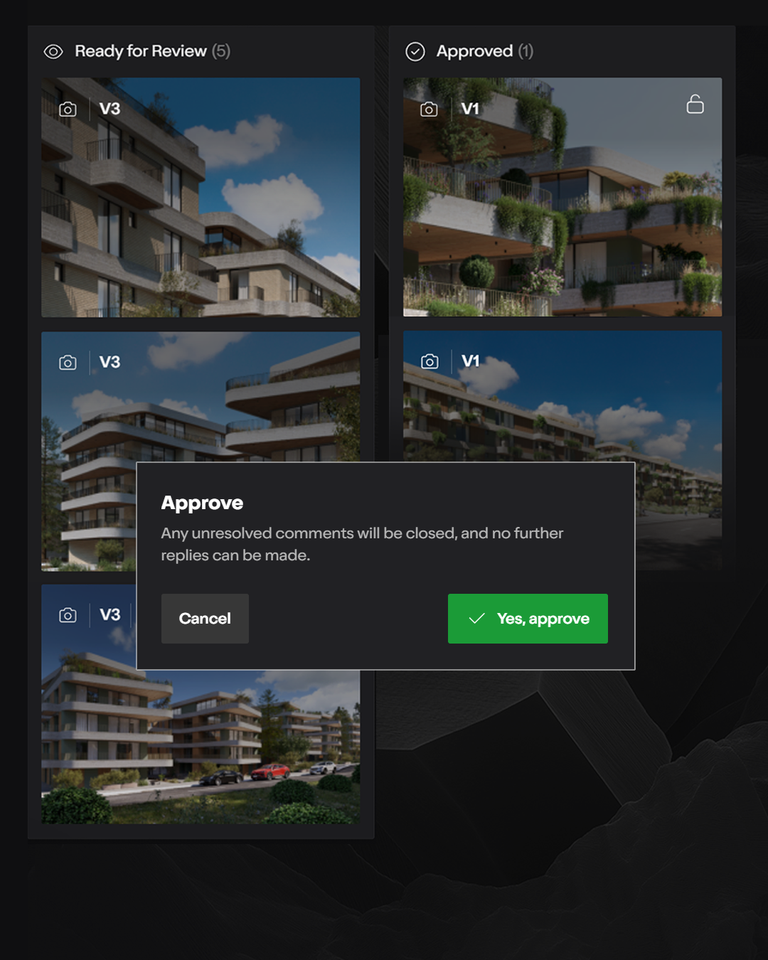
Great visuals are only the start. Lumion Cloud brings renders, feedback, approvals, and workflow into one place, so teams can review in context, stay aligned, and move from iteration to approval faster.
With built-in AI tools, it also helps you create more—upscale images, generate materials from references, and keep work moving in one connected flow.
Included for free with all Lumion plans.
Create in View and Pro. Review, refine, and keep project moving in Lumion Cloud.
Comment, compare versions, and guide approvals without losing the thread.
Upscale images and turn any inspiration into a ready-to-use material.
Reduce delays and move projects to approval with less back-and-forth.
From beautiful buildings and cozy interiors to sweeping landscapes — architects and designers around the world are using Lumion to bring their ideas to life.