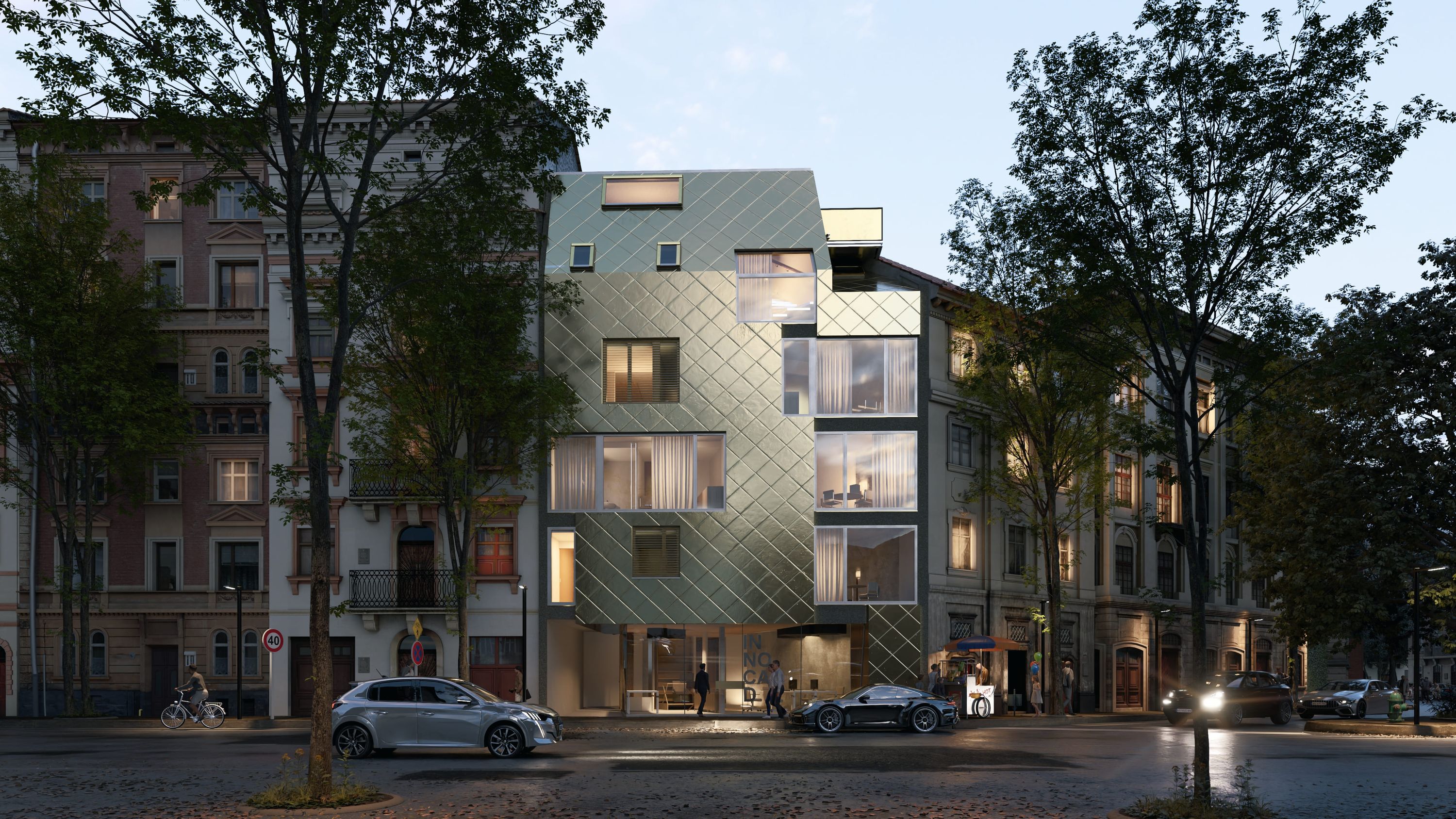
Lumion for
Revit
Lumion for
Revit
Keep designs moving from concept to sign-off with visuals that support faster decisions at every stage
Keep designs moving from concept to sign-off with visuals that support faster decisions at every stage
Visualization should move with your BIM workflow, not slow it down. Lumion gives Revit users a connected path from live design exploration and collaboration to detailed, high-impact rendering. Use the right tool at the right stage—without losing momentum along the way.
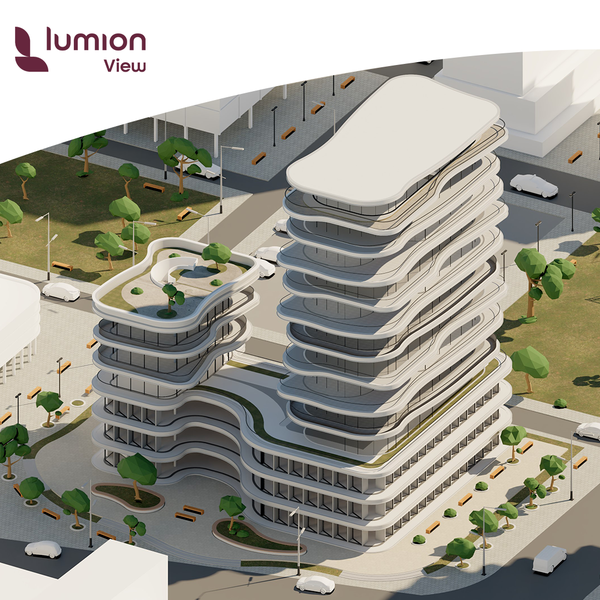
Test materials, light, and form directly inside SketchUp with the Lumion View plugin for real-time rendering.
Buy Lumion View →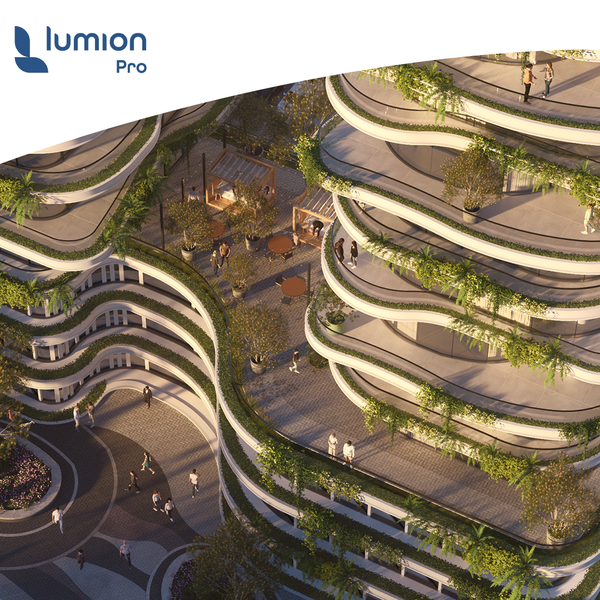
Create presentation-ready images, animations, and panoramas with full context and atmosphere.
Buy Lumion Pro →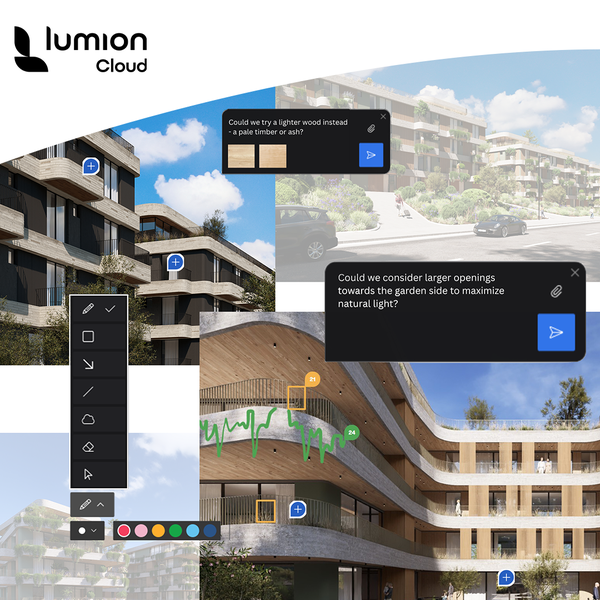
Share designs, gather feedback, and create faster with AI in one visual collaboration workspace.
Included in all Lumion plans.
When designs are evolving, speed and clarity matter. The Lumion View plugin for Revit helps you validate design ideas faster—without switching tools.
Get an accurate, ray-traced view of your lighting, PBR materials, and BIM data. Work with side-by-side viewports, and render 4K images instantly whenever you need them.
Give clients an immersive understanding of your design with smooth navigation and real-time exploration.
View section boxes side by side in Revit and Lumion View for better control over interiors and detailed areas.
Apply one-click conceptual styles to generate clear diagrams and presentation-ready visuals instantly.
Run quick sun studies and evaluate artificial lighting in a real-time ray-traced environment.
When your Revit model is ready for context and stronger visual impact, Lumion Pro gives you the tools to build it out. Shape materials, lighting, environment, and mood with intuitive controls.
Create stills, animations, and panoramas that communicate the full story of your design.
Create a real-time connection between Revit and Lumion Pro using the free LiveSync plugin. See your model updates instantly as you design.
Your materials and lighting carry over automatically, so you can continue without rework.
Use over 10,000+ built-in assets and materials to quickly create realistic site context.
From nature and entourage to customizable PBR materials, everything you need to add depth is ready to go.
Real-time ray tracing keeps your previews aligned with final output by updating lighting, reflections, and shadows instantly.
Create high-quality images, animations, and 360 panoramas for presentations and client reviews.
Upload directly to Lumion Cloud and use the built-in AI upscaler for final-resolution output when needed.
Bring your Revit models to life with high-impact visuals. Test Lumion Pro on a real project today — free for 14 days.
Move from BIM modeling in Revit to high-impact visuals that clients can instantly understand. Lumion Pro helps you present designs clearly and confidently.
Lumion View: enables real-time visualization directly alongside your Revit workflow.
Lumion Pro: connects via LiveSync, allowing you to design in Revit and render simultaneously.
Lumion Cloud: lets you share visuals, collect feedback, and collaborate with clients easily.
You can use LiveSync for real-time updates or export your Revit model to Lumion for advanced rendering.
Lumion LiveSync creates a real-time connection between Revit and Lumion, syncing your model instantly as you work.