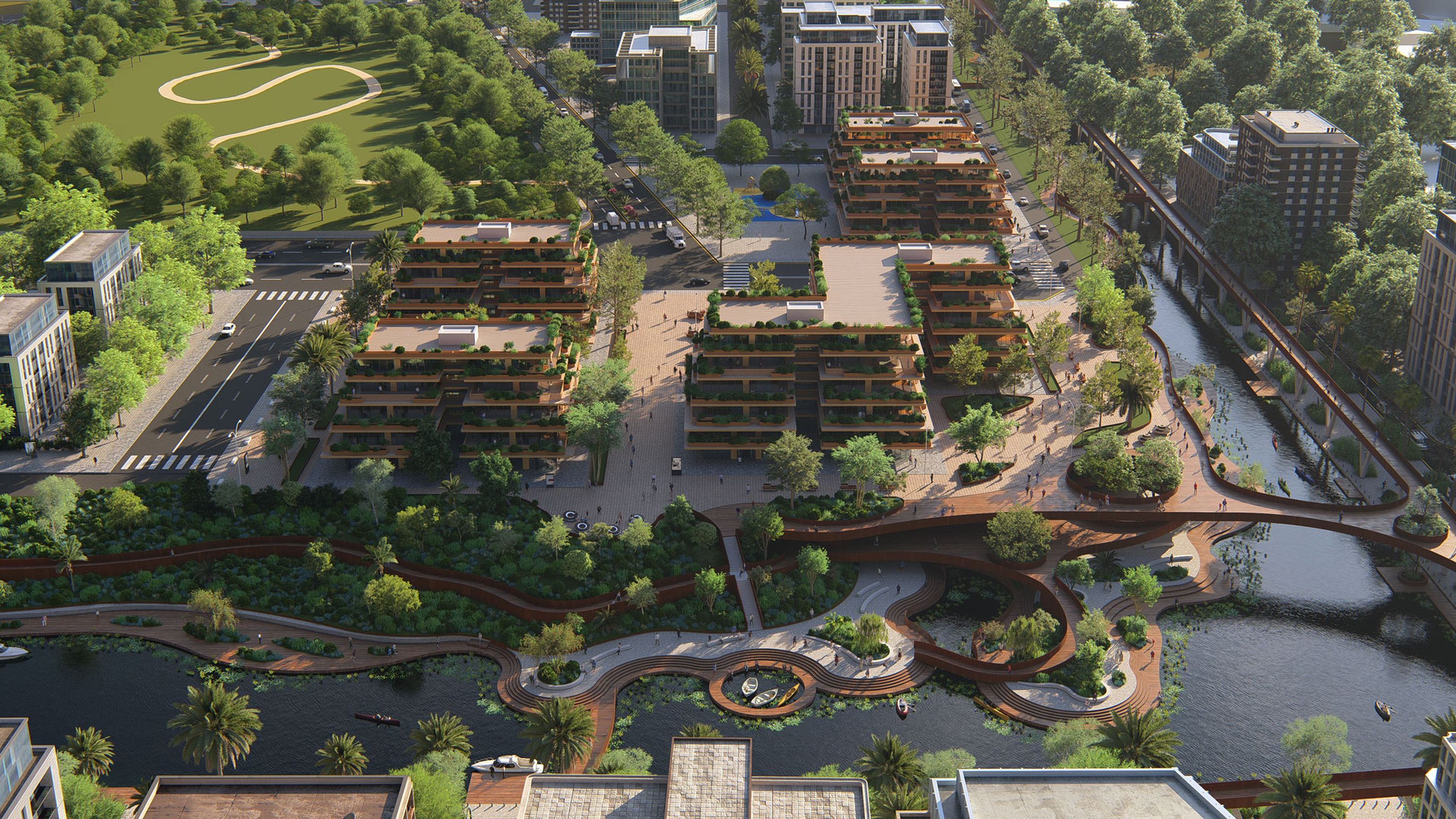
Everything you need to turn models into client-ready visuals—across buildings, interiors, landscapes, or entire city blocks.
Lumion Pro works with your favorite CAD and BIM tools, so you spend less time exporting and more time designing. With the free Lumion LiveSync plugin, your model stays connected and updates happen instantly.
A clean interface and straightforward controls help you move fast, even if you're new to rendering. Jump in, build scenes quickly, and produce visuals that help clients understand your design.
Real-time ray tracing updates light, reflections, and shadows instantly, so your previews match the final render. Make confident refinements faster.
Create high-quality images, animations, and 360 panoramas for reviews, approvals, and presentations. Upload directly from Pro to Cloud to share with teams and clients.

Daniel Berdichevsky
Associate, SCAPE
The ability to quickly produce realistic renders directly from our models, apply materials, planting, and entourage in Lumion has been great for us.

Olav Bruin
Creative Director, Atelier Nomadic
For us, Lumion is the perfect concept design tool, especially when a visual presentation for a client is due.

Edwin Vonk
Visualization Expert at Royal HaskoningDHV
Lumion's ease of use, stability, and the extensive asset library were major factors in our decision to adopt it. We use it in every stage of our projects.

Miriam Conti
Architect, Studio Transit
Lumion has been integral to our design process, particularly in studying lighting from the earliest stages of our projects.

Thomas Bates
Director of Visualization, VMDO
When you're in need of high-detail nature, I can't think of a better option than Lumion. That's where the software shines for us.
Lumion works with the tools you already use. Model and render in perfect sync with the free LiveSync plugin.


Create immersive environments quickly, with fewer clicks and less setup.
Effortlessly import your project's topography and place your design in its real-life context with OpenStreetMap.
Shape the landscape surrounding your design by adding fields, mountains, and oceans at the touch of a button.
Add nature to large, irregular areas in one move with the new Area placement tool.
Place and align objects effortlessly on any terrain, no matter the slope, and navigate your scene with ease.
Start with an example scene or import your model and create your first render today. Free for 14 days.
Keep large scenes responsive—find objects fast and optimize performance as you design
Quickly locate and manage any object in your scene with the Scene inspector tool. Get a clear overview of all objects, layers, and hierarchies for more efficient project control.
Manage complex scenes smoothly using the Performance control center. You get real-time insights and easy controls to monitor stats, adjust settings, and keep your workflow fast.
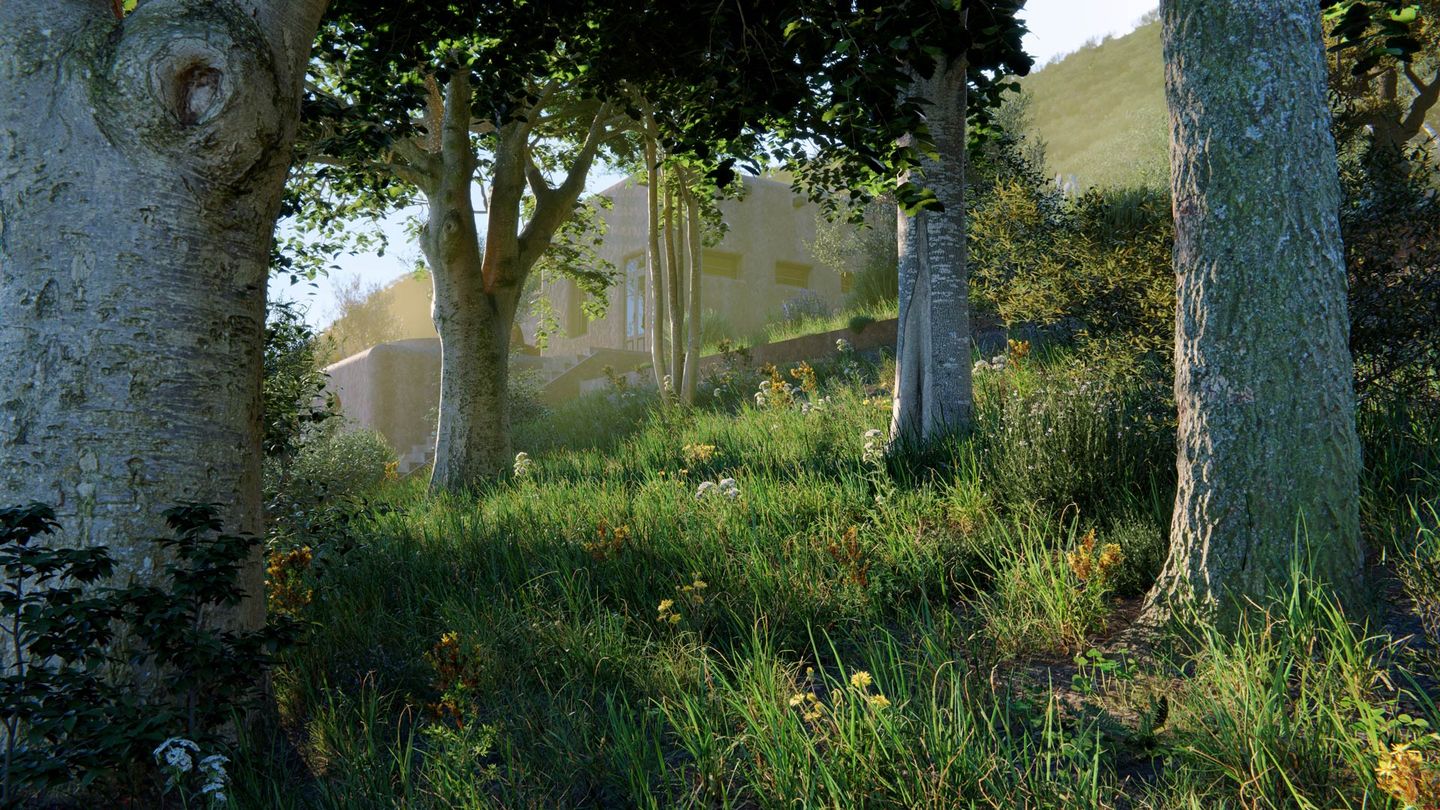
Add geographic context with a wide collection of high-quality trees, plants, shrubs, and vines—complete with detailed textures, seasonal variation, and growth stages.
Plus, explore new photogrammetric trees and small plants captured from real-world scans for extra detail up close.
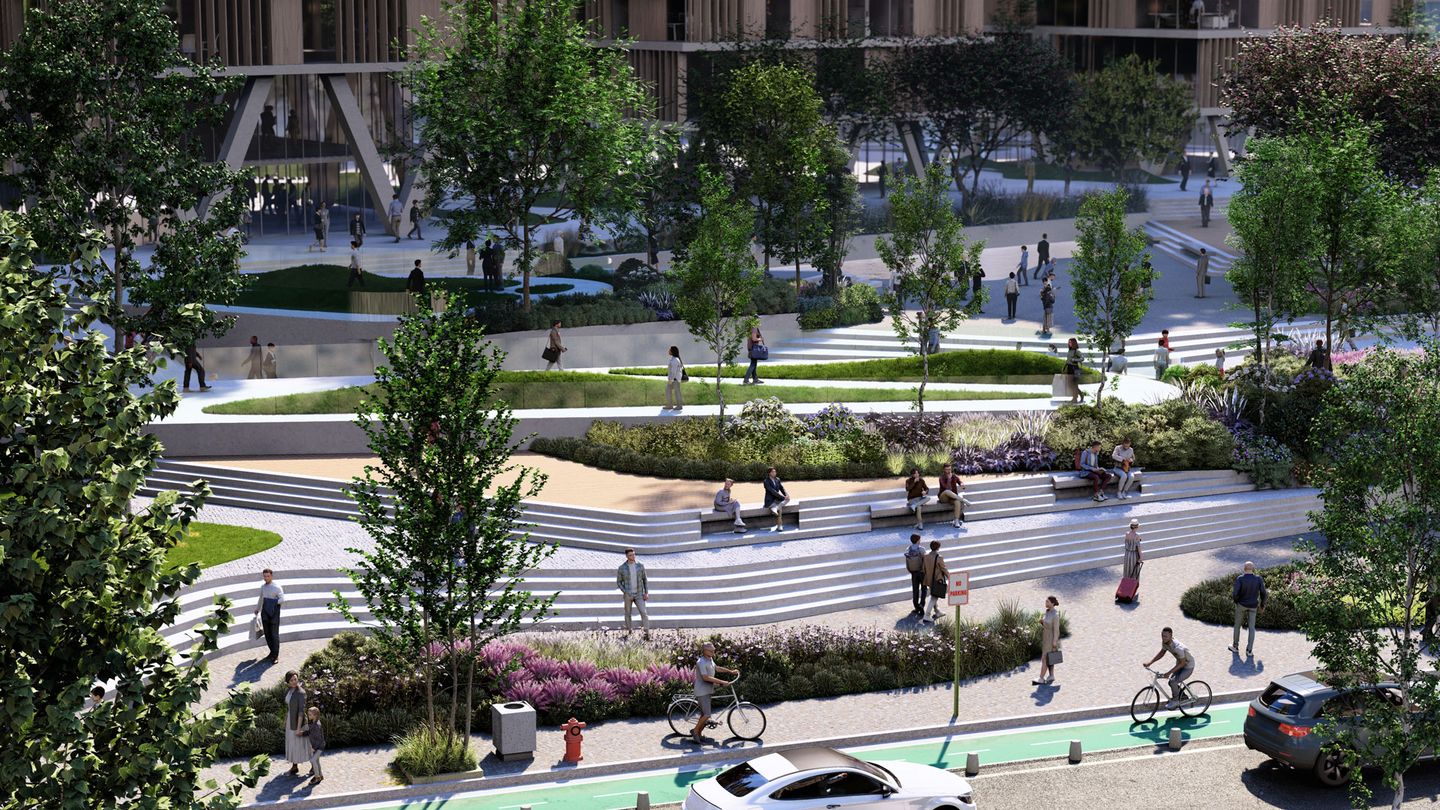
Add a vibrant slice of everyday life into your projects with over 900 static and animated characters in a variety of settings, professions, and activities.
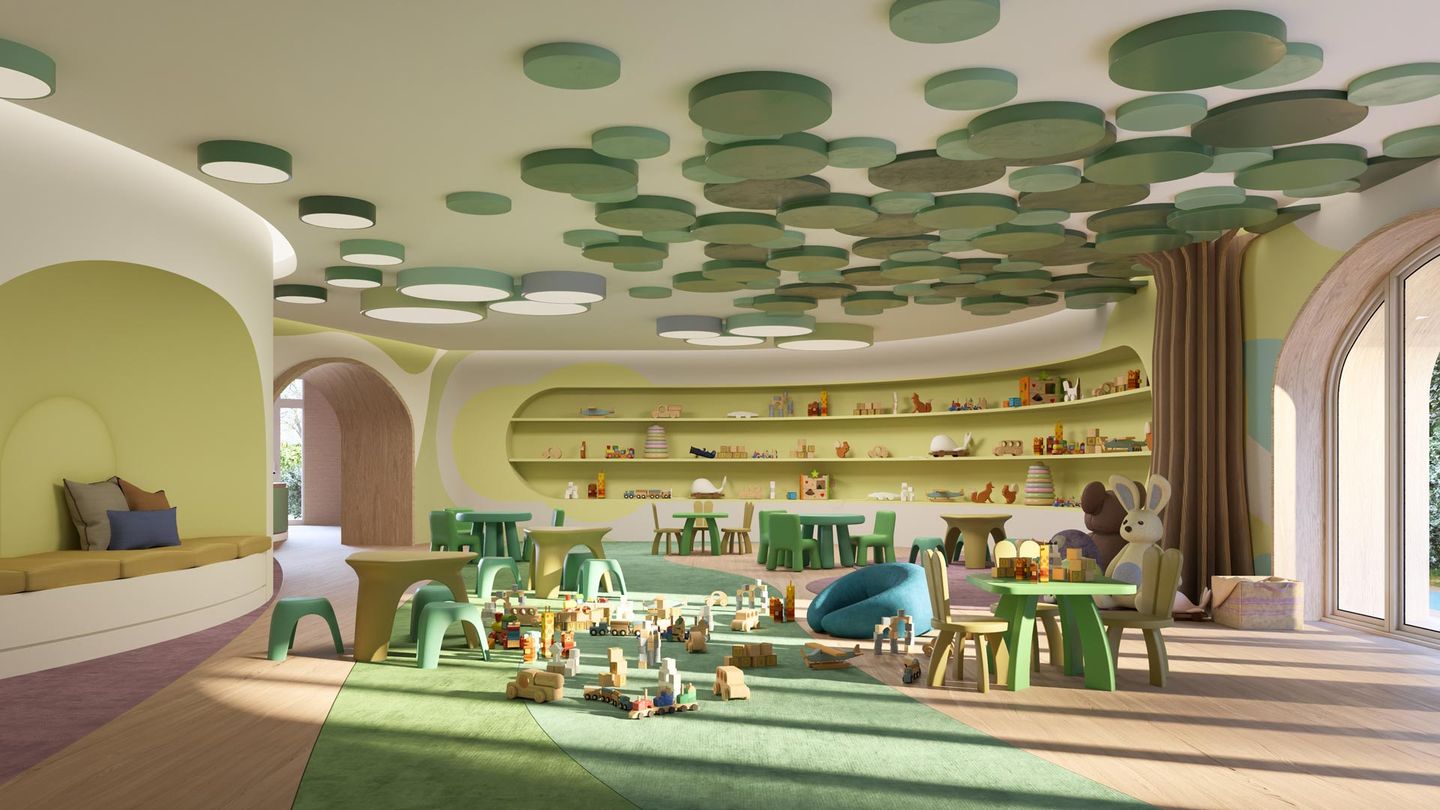
Build convincing, lived-in scenes with furniture, decor, and everyday objects—designed to read well in both close-ups and wide shots. Includes objects for homes, workplaces, hospitality, and learning spaces.
Add context without overloading the scene. Use low-poly natural elements, people, and urban objects to communicate scale and activity while keeping attention on the design.
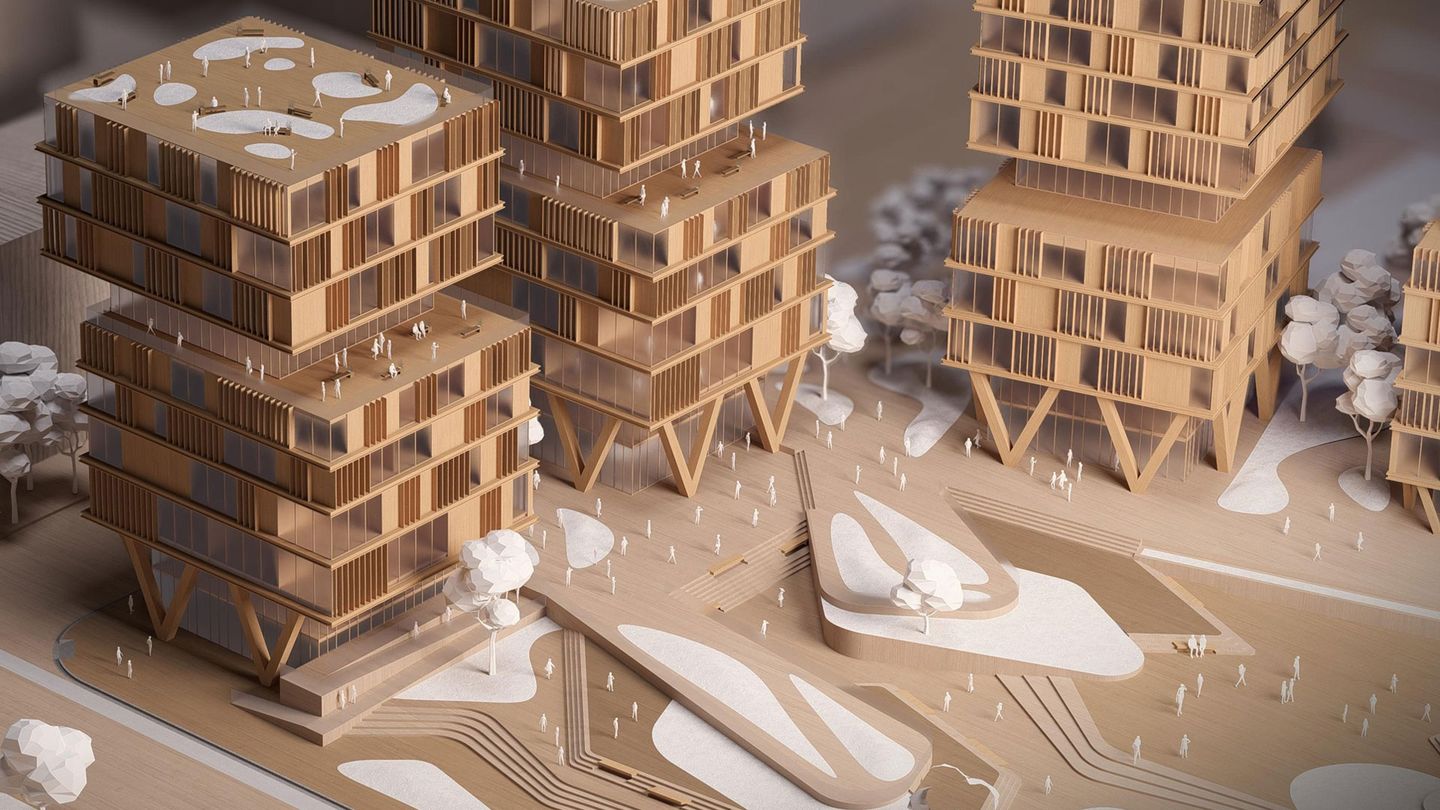
With Lumion Pro's PBR material workflow, you control finish and surface detail, so materials look accurate under any lighting.
Start faster with 1,500+ built-in materials or import your own.
Fine-tune every texture with Lumion's material editor by adjusting scale, relief, roughness, glossiness, and more.
Add character and realism with weathering or decals. From worn edges to rust, dirt, and moss.
Perfect edges rarely exist in the real world—use the edge slider to add subtle curvature and give wood, stone, or any surface a more natural look.
Fine-tune glass with distortion, absorption, and color settings—even creating colored shadows.
Set the mood in seconds, from bright daylight to overcast, rain, and night, without rebuilding your setup. Use preset styles and color grading to keep a consistent look across all your views.
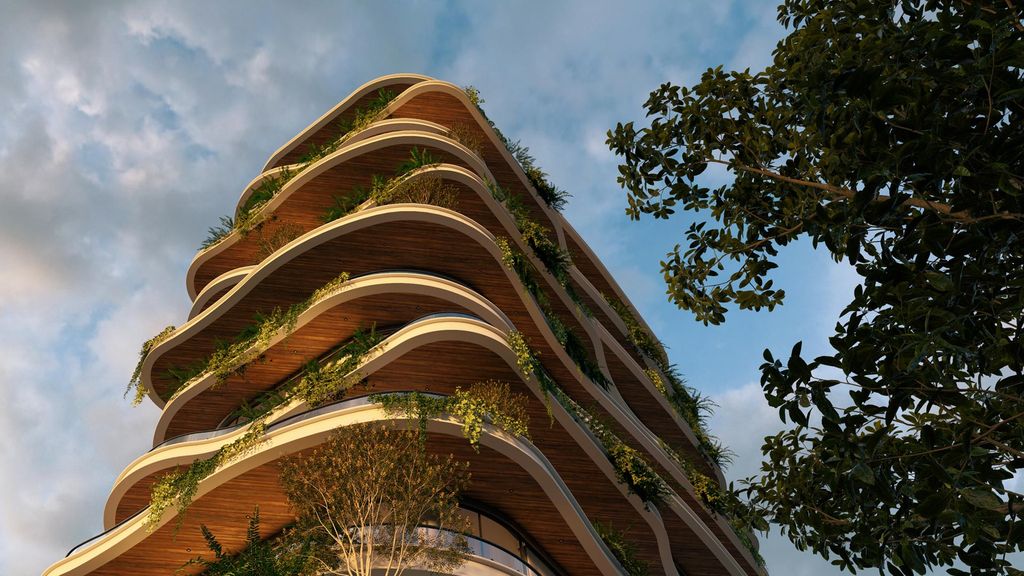
Preset and custom HDRI skies
Sun studies
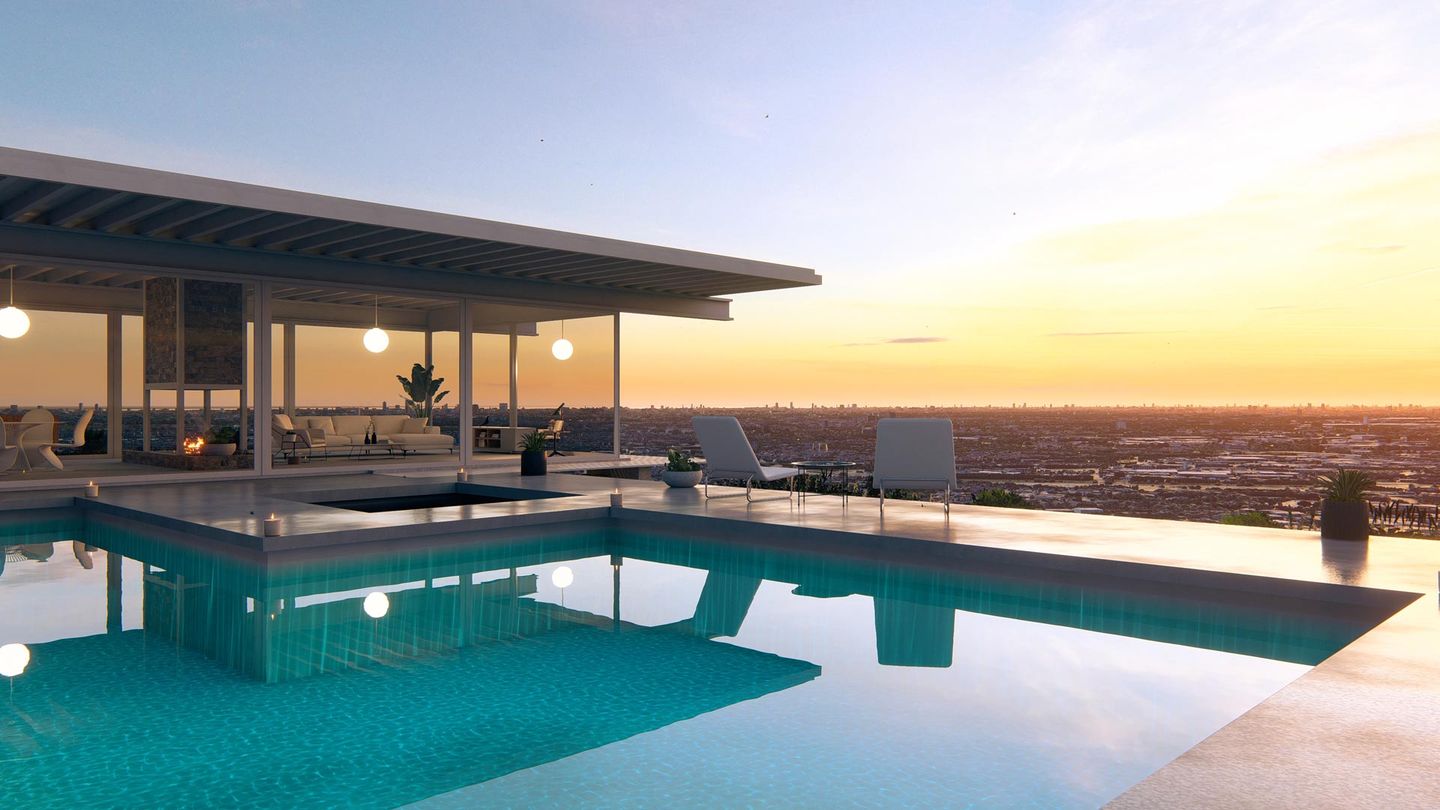
Preset and custom LUT color correction
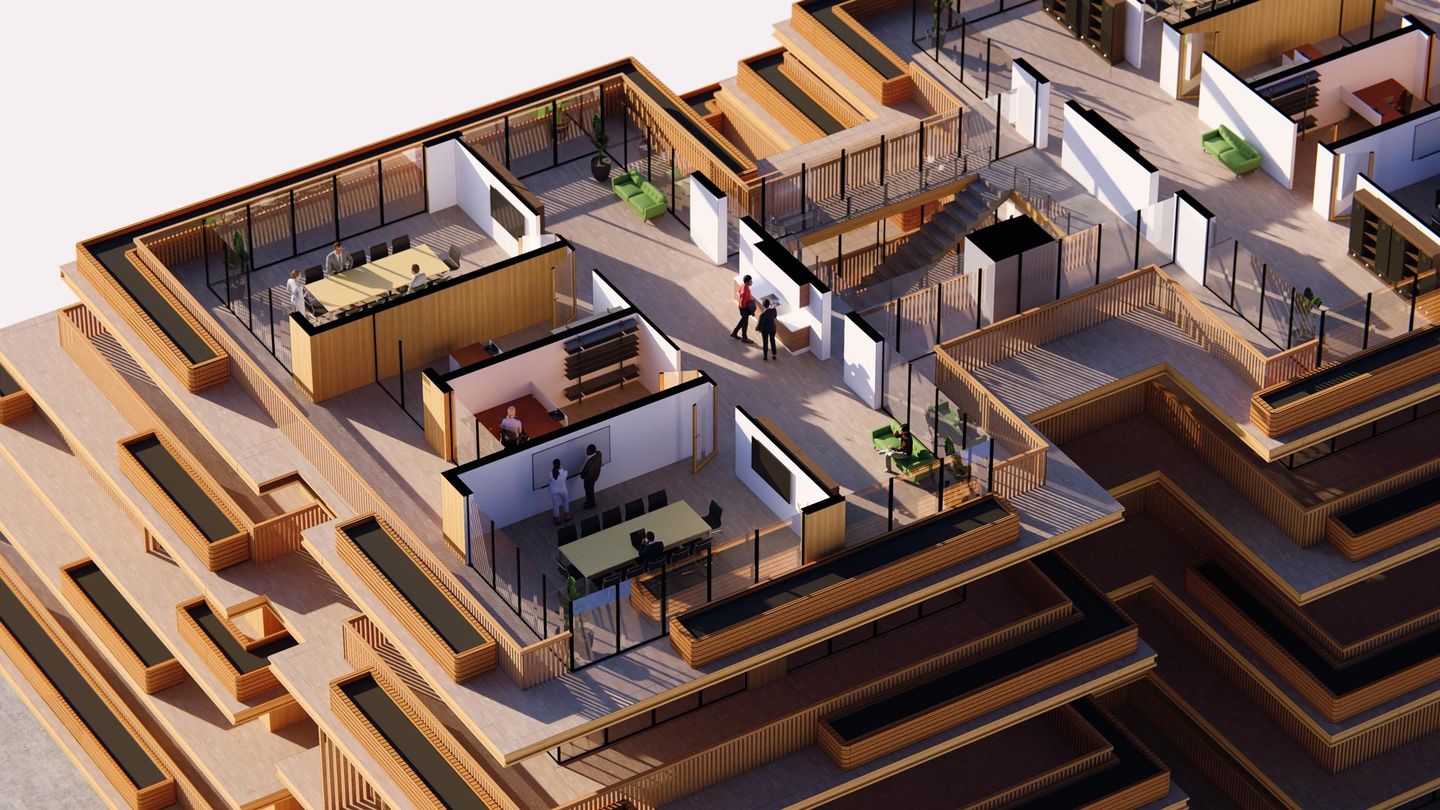
Show the design in plan, section, and elevation—or cut clean axonometric views to communicate massing, structure, and key spatial moves.
Not every presentation needs photoreal detail. When you're aligning on layout, proportions, or intent, diagram-style views keep feedback focused on the design, not the finishes.
Quickly render images, videos, or panoramas in your preferred resolution and aspect ratio.
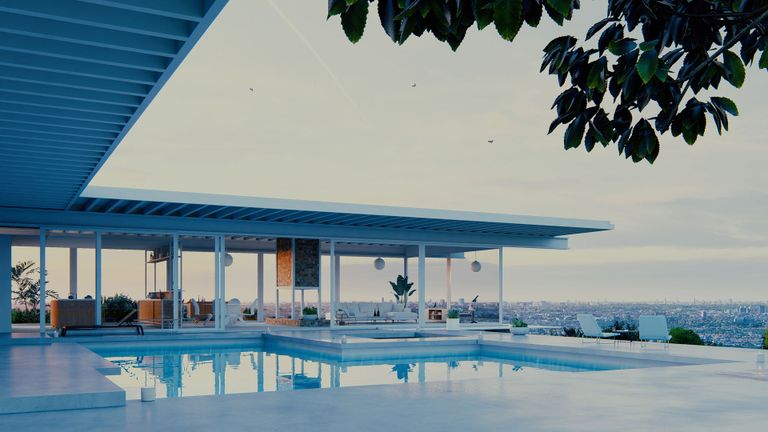
Create high-quality stills in no time and highlight your design's key features.
Use motion to guide viewers through your design with smooth, immersive clips.
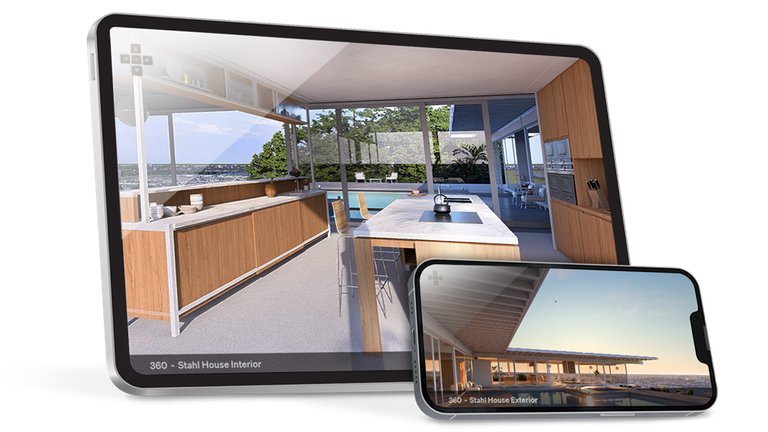
Invite clients to experience your design from every angle with direct upload and sharing in Lumion Cloud.
Produce crisp, print-ready images for boards, posters, banners, and billboards with the improved AI image upscaler.
Upscale with higher accuracy at 2x using both normal and depth maps, or choose the new 4x option for up to 16K output when you need maximum detail.
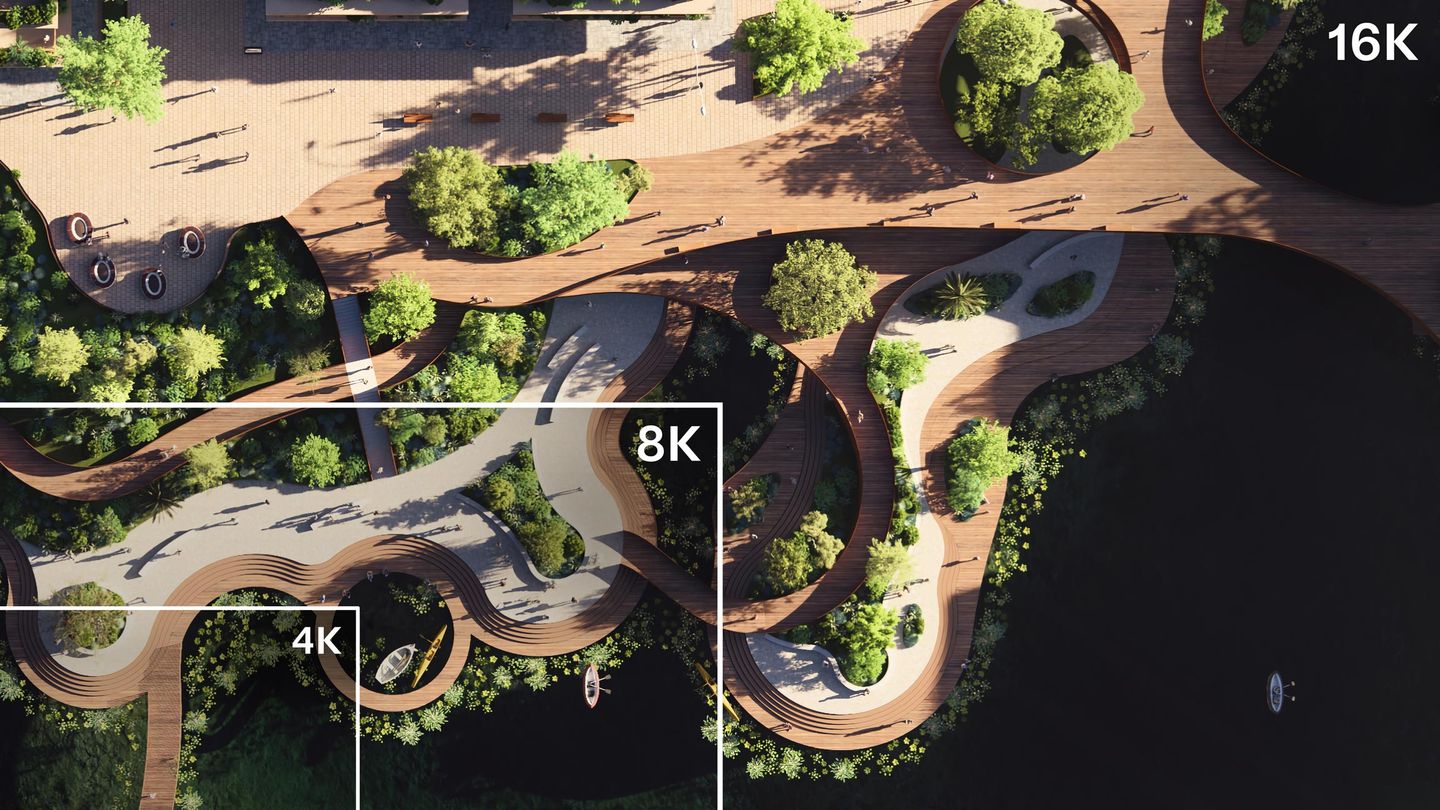
With Lumion Cloud, share renders, keep feedback in one place, and move to sign-off with fewer back-and-forth rounds. Included for free with Lumion Pro. See how it works.
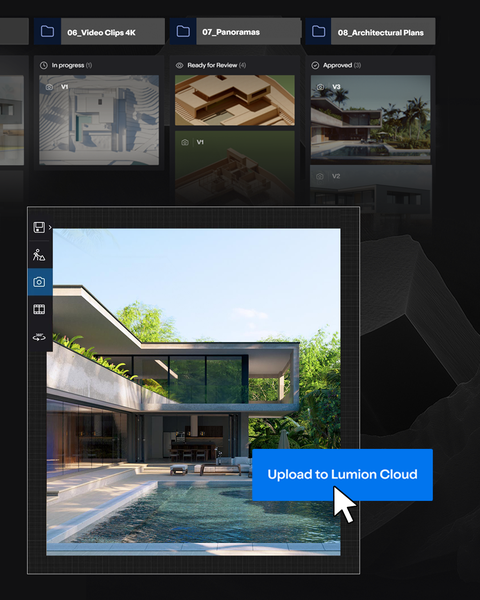
Upload renders straight from Lumion Pro and keep every project organized.
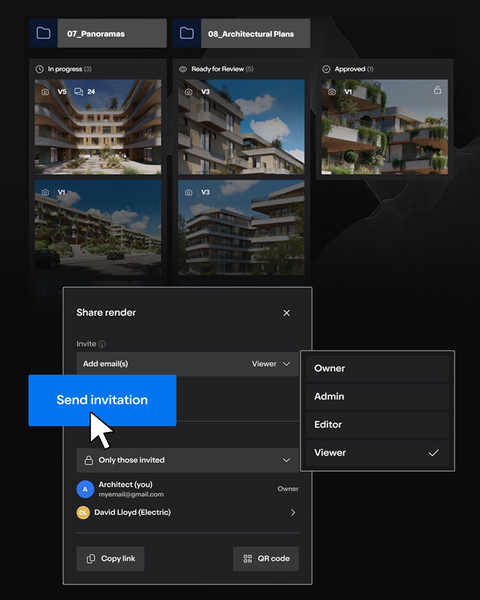
Send secure links or QR codes so teams and clients can review with ease.
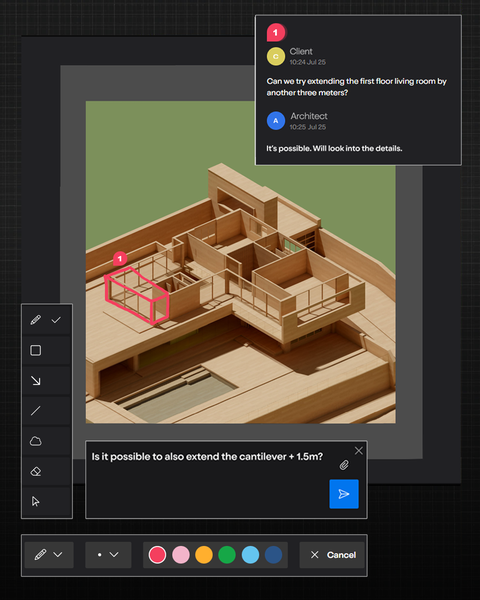
Draw, highlight, and comment with simple markup tools.
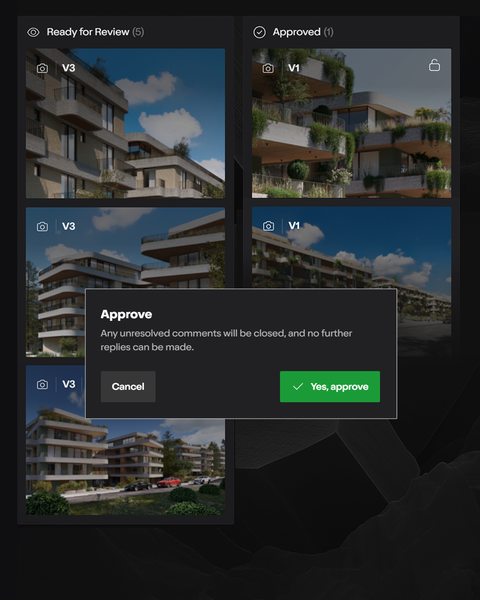
Track versions, project status, and approvals instantly.
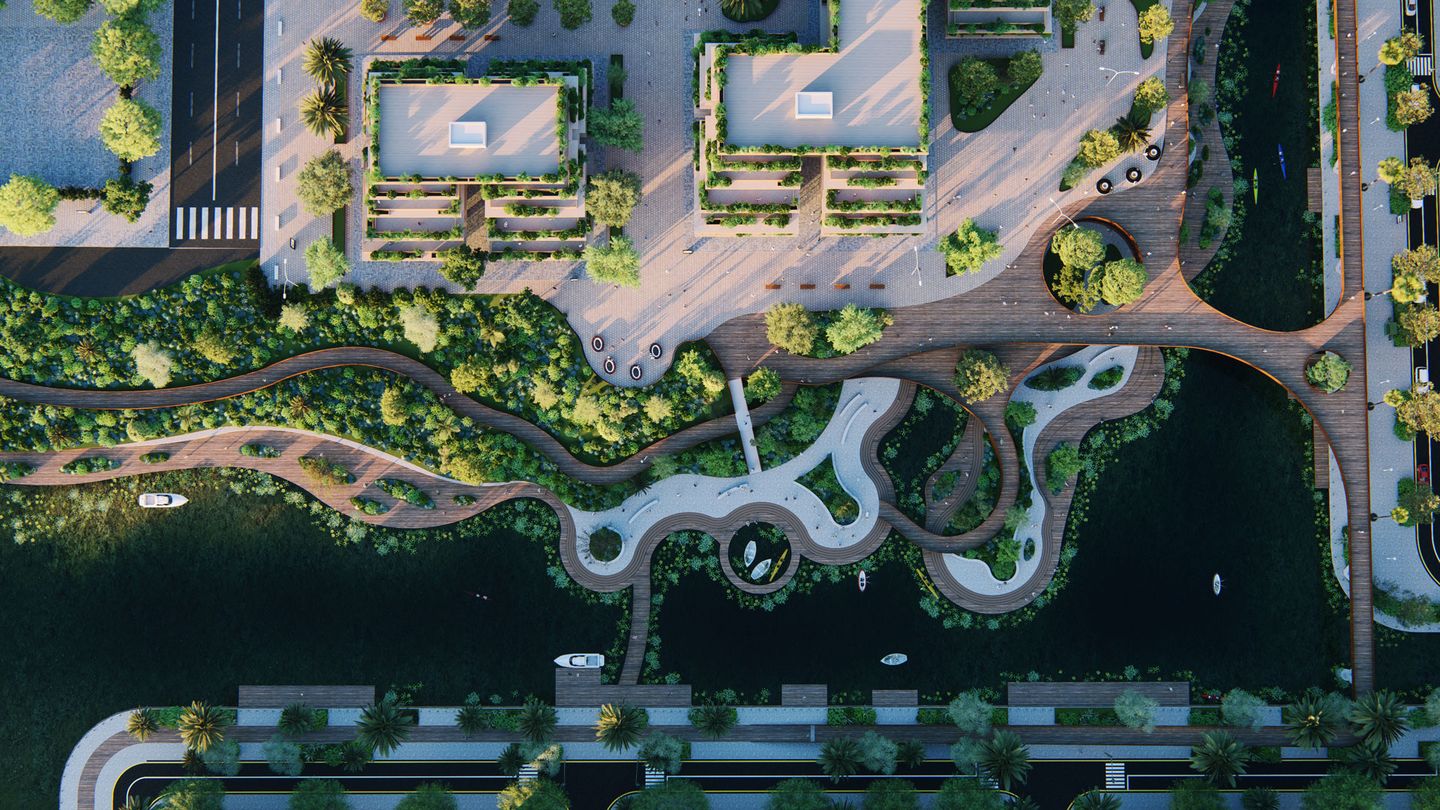
Rendering shouldn't slow design down. Lumion Pro keeps you in control—from clear diagram views that communicate intent to high-detail visuals that get projects approved.
Try today with a free 14-day trial. No credit card required.
From first sketch to final sign-off, Lumion Pro helps you show your work at its best. Start now.