Complete
compatibility
Complete
compatibility
Lumion Pro is compatible with all major CAD, BIM, and 3D modeling software.
Lumion Pro is compatible with all major CAD, BIM, and 3D modeling software.
Lumion Pro
Lumion Pro works with the tools you already use, so you can stay in your workflow and visualize designs in context—quickly and clearly.
Import your model, make changes on the fly, and render at any stage of the process.
With the free LiveSync plugin, you can create a real-time connection between your favorite CAD or BIM software and Lumion Pro.
Model and render at the same time, spend less time exporting and more time designing.
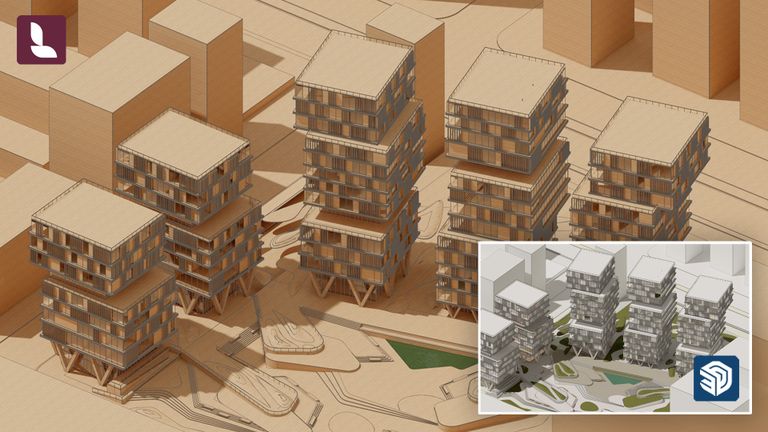
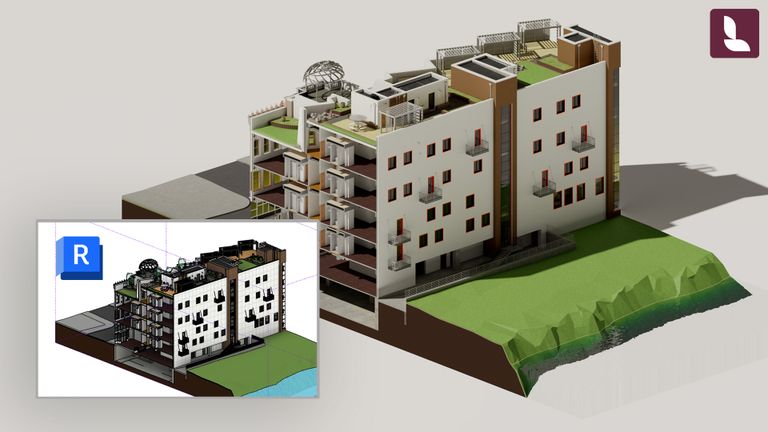
LiveSync is available for SketchUp, Revit, Archicad, Rhino, AutoCAD, Allplan, BricsCAD, Vectorworks, and many more.
Place accurate lighting directly in your CAD or 3D model and bring it seamlessly into Lumion. Your lights stay linked to the model for a faster, more efficient workflow.
You can also import multiple 3D models into one single scene, regardless of your modeling software.
Supported file formats: .dae, .skp, .fbx, .dwg, .dxf, .max, .3ds, .obj, .gltf, .glb.
See how Lumion Pro connects with your favorite 3D modeling software.


Meet Lumion View
Lumion View brings real-time rendering right where you need it: inside your modeling software. No exporting, no waiting—just instant visuals that respond as fast as your ideas do.
Built for speed and simplicity, Lumion View gives you immediate visual feedback as you design:
Explore, test, and share early concepts without breaking your creative flow. Now available for SketchUp, Revit, and Archicad.
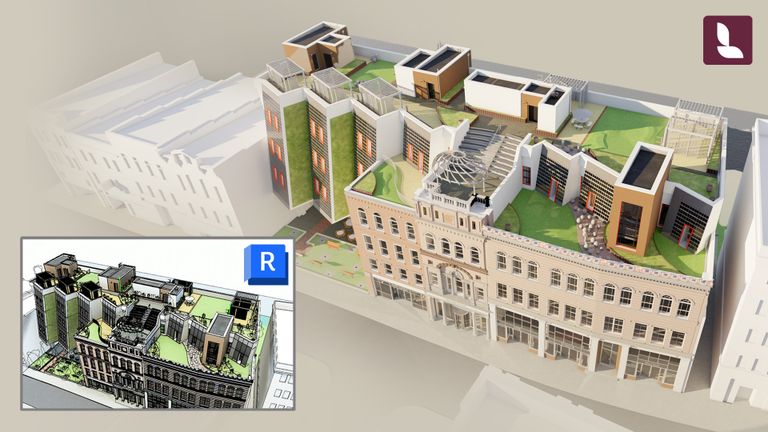
Discover real-time visualization and 4K renders—right inside Autodesk Revit.
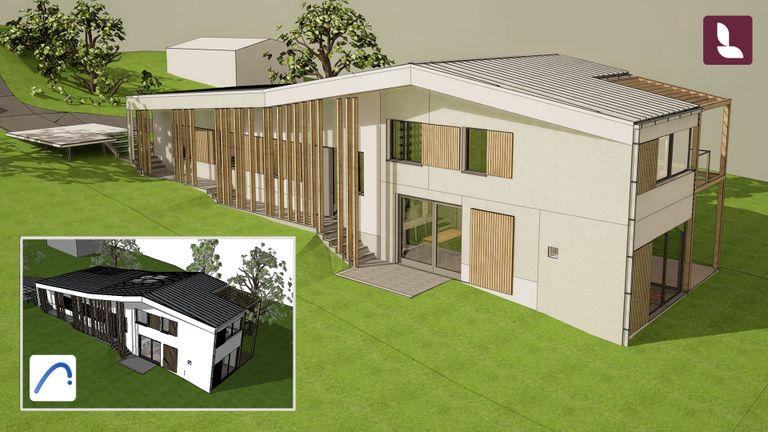
Explore your Archicad models with realistic light and materials without leaving your BIM.
From conceptual designs in View to detailed visualizations in Pro—Lumion fits with how you work.