
New
Discover
Lumion View
Discover
Lumion View
Explore, refine, visualize—right inside your CAD or BIM software
New
Explore, refine, visualize—right inside your CAD or BIM software
Lumion View is a lightweight visualization plugin built right into your favorite modeling tools.
Now available for SketchUp, Autodesk Revit, and Archicad, Lumion View brings real-time rendering into every stage of design—no switching software, no waiting on renders, no guesswork.
Pick your preferred CAD or BIM tool to learn more about what Lumion View can do for your design workflow.
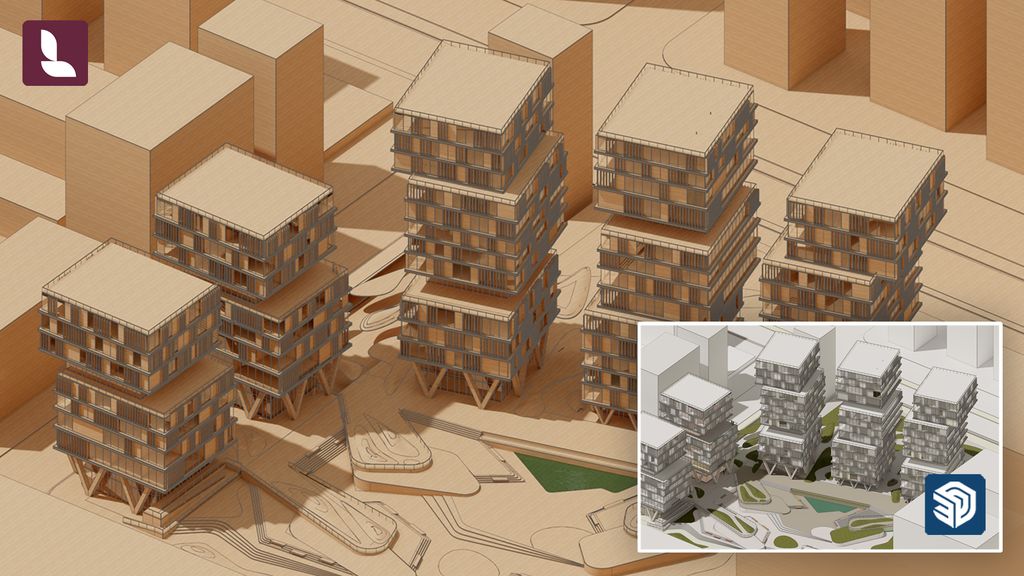
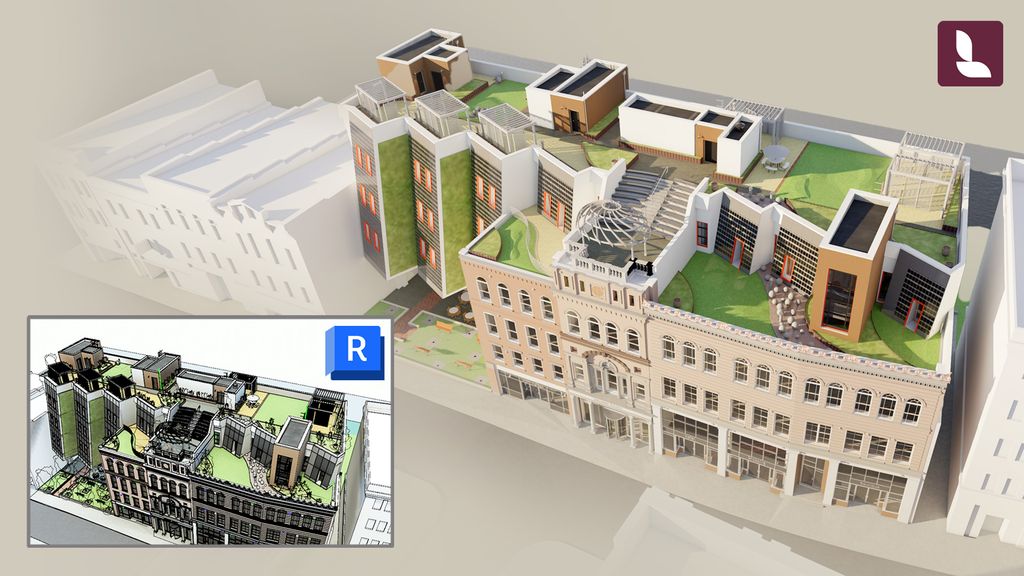
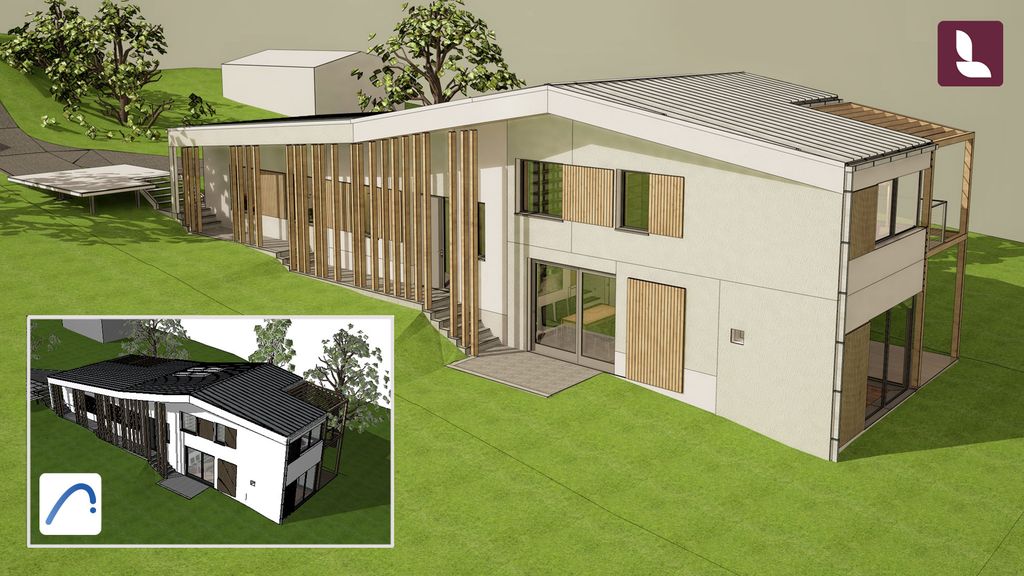
Ideas evolve in real time. You need a tool that keeps up—one that's fast, flexible, and provides instant feedback.
Lumion View works directly in your CAD or BIM software, seamlessly integrating visualization into every stage of your design process.
Make faster, more confident design decisions by exploring, testing, and validating ideas in real time.
Communicate your design with eye-catching conceptual visuals—without leaving your modeling software.
Generate 4K renders and upload them to Lumion Cloud for friction-free collaboration and faster feedback.
Sign up for your free 14-day Lumion View trial here. We'll email you simple instructions to get started.
Lumion View is available on the SketchUp Extension Warehouse and Autodesk App Store, and is free to try for 14 days:
You can get Lumion View as a standalone subscription or as part of the Lumion Studio plan.
If you're not using SketchUp, no worries! Join the waitlist and you'll be the first to know when it becomes available to your CAD or BIM software.
Lumion View is currently available for SketchUp, Revit, and Archicad, with more integrations coming soon.
Sign up for the waitlist and be the first to know when Lumion View becomes available for your modeling software.
Yes, Lumion View plugin now works with SketchUp for MacOS. Download and install directly from the SketchUp Extension Warehouse.
Lumion View is a lightweight, low-impact tool for Windows. It requires a ray tracing-capable graphics card and 300MB of free disk space. Click here to see the complete system requirements for Lumion View.
You can use them together for a more connected workflow from the start of a project to the finished design. Get them both with a Lumion Studio plan.
Yes you can!
Lumion View works seamlessly with Lumion Pro for a smooth, connected workflow.
Simply import your 3D model into Lumion Pro, and your lights and material settings will transfer automatically—so you can keep designing without any rework. Your texture maps carry over seamlessly to avoid any interruptions.
Yes. Lumion Cloud is included with all Lumion plans, including Lumion View.
When you create a render in View, you can upload it directly to Lumion Cloud with one click. From there, you can invite clients and teammates to review, comment, and collaborate in real time.
Lumion Cloud is free to start, and works seamlessly with both Lumion View and Lumion Pro.
With a valid Lumion Pro Student license you also get free access to Lumion View (any version). Learn more about the free student license here.