Lumion Cloud
Lumion Cloud
The only collaboration space built for architectural visuals, from first sketch to final sign-off.
The only collaboration space built for architectural visuals, from first sketch to final sign-off.
Share, review, approve. Create faster with AI tools.
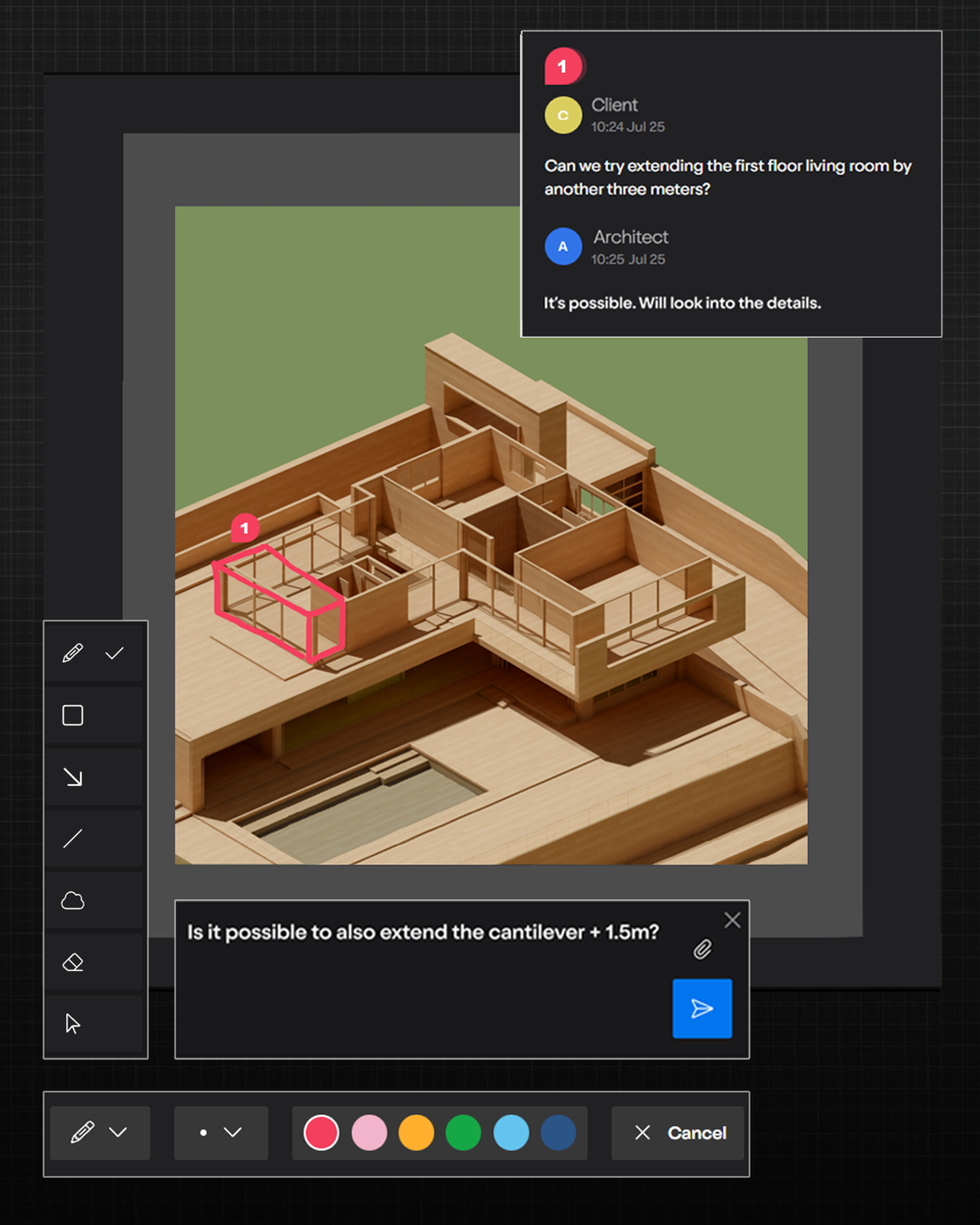
Comment, compare versions, and manage approvals in one shared workflow.
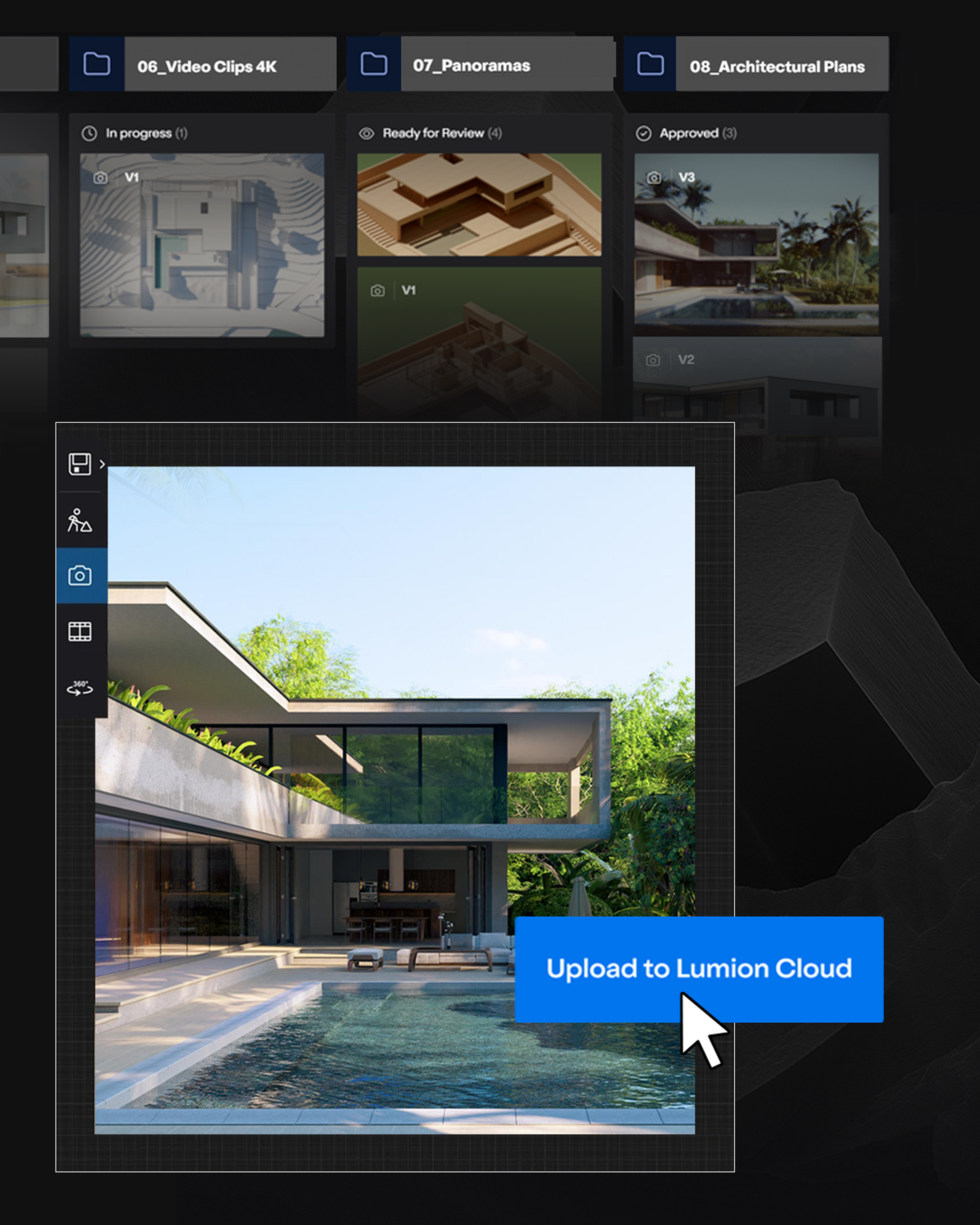
Projects, versions, feedback, and decisions stay organized in one place.
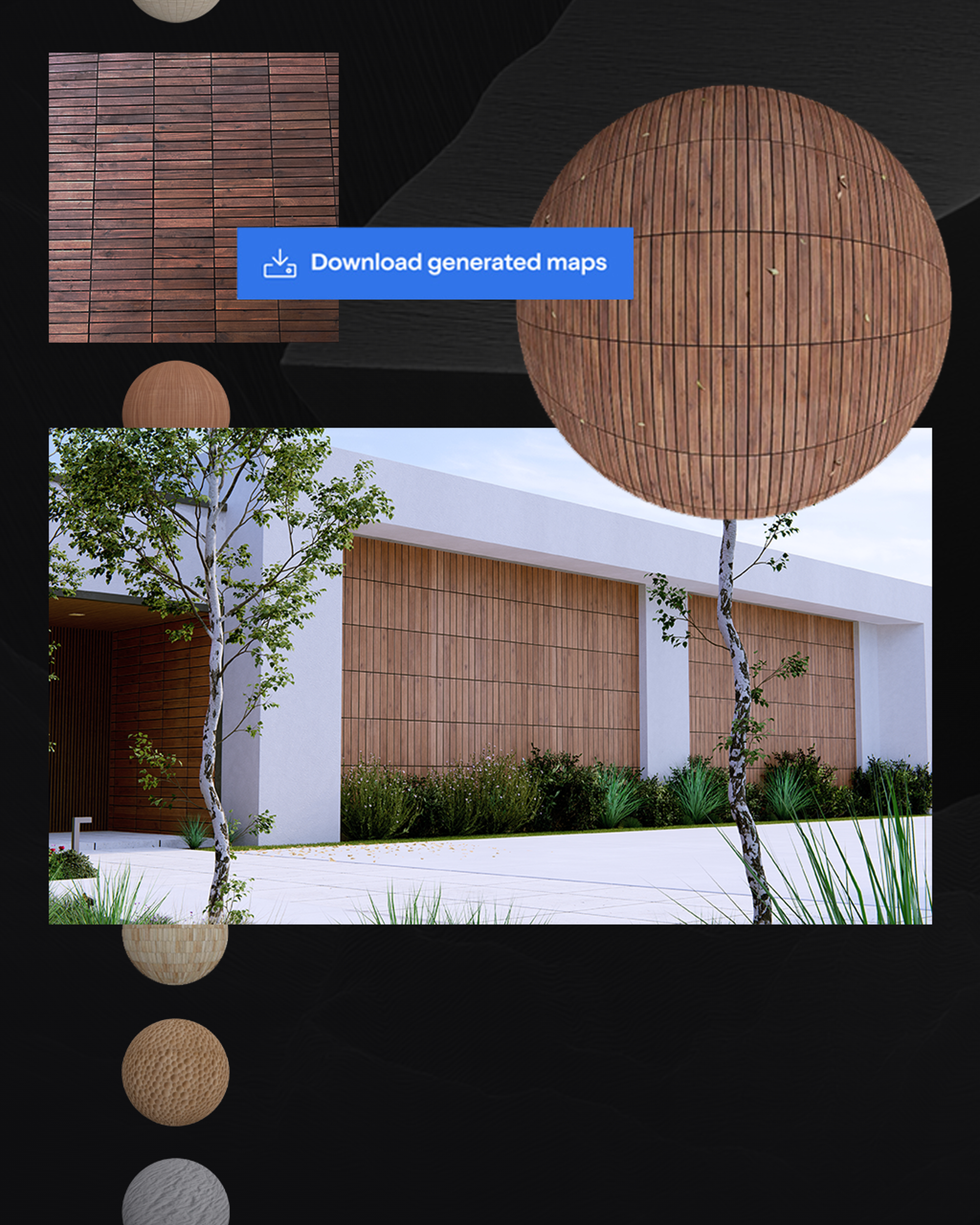
Upscale images and generate project-ready PBR materials from references.
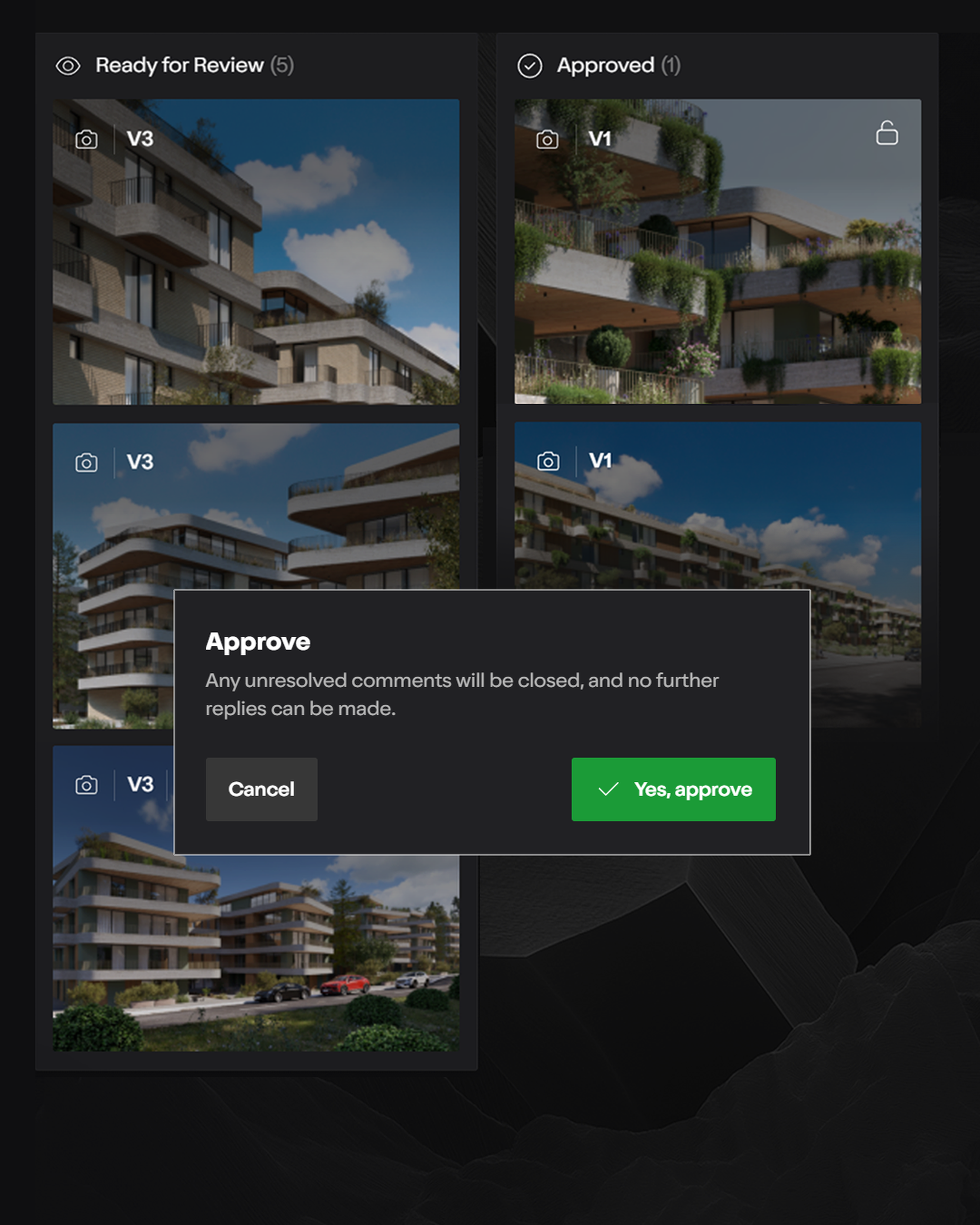
Create in Lumion. Review, refine, and move forward in Lumion Cloud.
Turn references into usable PBR materials right in Lumion Cloud. Generate seamless maps from real-world images, then bring them into Lumion Pro—adding a new way to create, review, and move work forward in one connected workflow.
See how it worksIt's free to start and included in all plans.
Getting started with Lumion Cloud is simple—all you need is a Lumion Account. Fill in the form and we'll get you up and running.
Already a Lumion user? Log in here.
Keep every render, video, panorama, and PDF in one central, organized hub so nothing gets lost and every project stays on track.
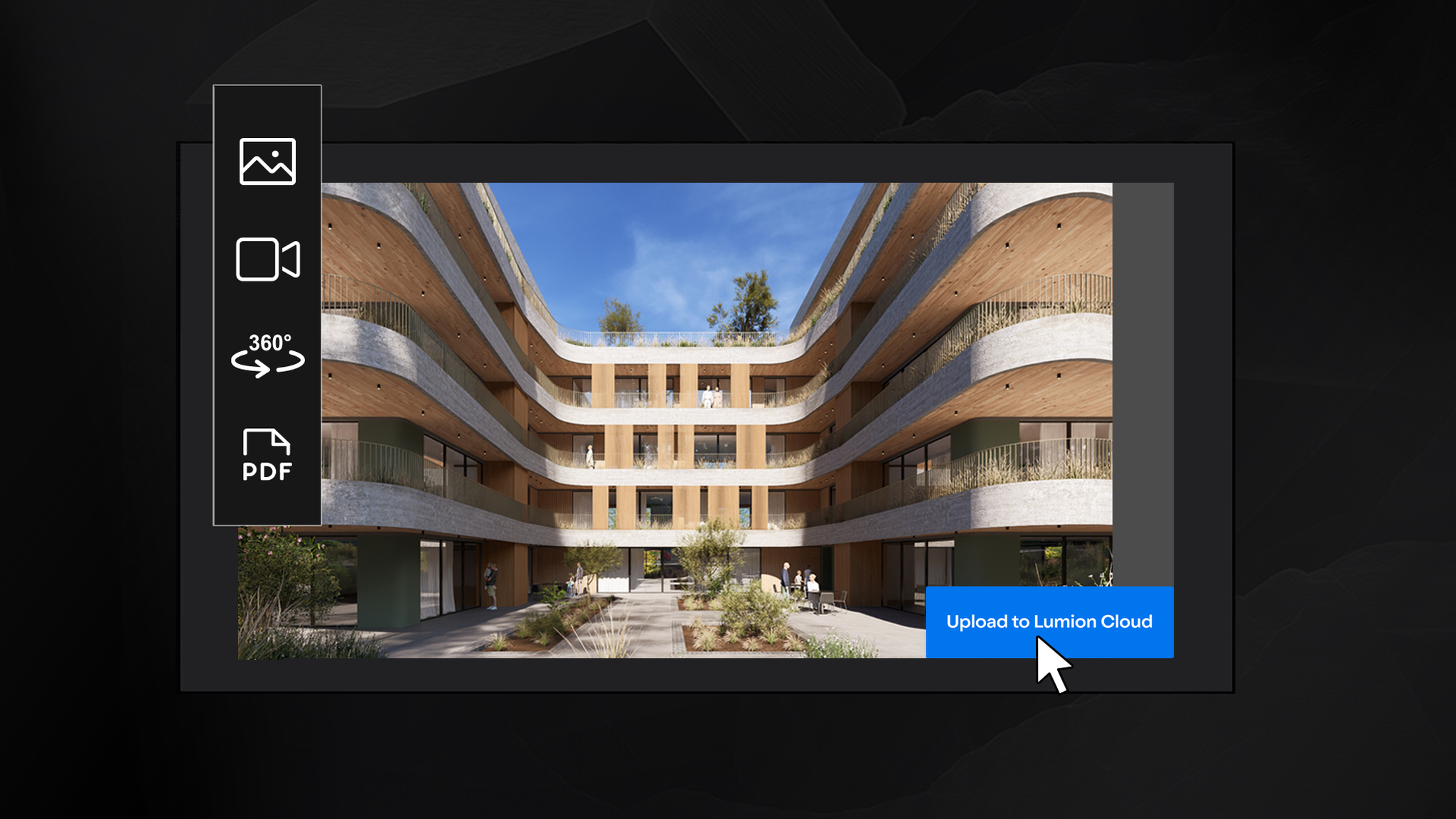
Save time and keep your workflow smooth by uploading images and videos straight from Lumion View or Pro. Create your Cloud folders right inside Lumion Pro when choosing an upload destination.
Save immersive panoramas straight from Lumion Pro to the cloud to share with clients instantly. No heavy file transfers, no hassle.
Organize your work into dedicated projects—up to 20 included for free, with 50 GB of storage to keep everything in reach.
Invite clients, teammates, and partners to collaborate. Control exactly who can view, comment, or manage each project with role-based permissions.
Turn any reference into a ready-to-use material. With the new AI material generator in Lumion Cloud you can create seamless, tileable PBR material maps. Preview them in 2D or 3D meshes, download and import them into Lumion Pro to apply in your project.
How it worksBoost image resolution in seconds for sharper, high-res visuals—without the long render times. Great for faster iterations, cleaner drafts, and polished outputs ready to review and share.
See how it worksExplore free content packs filled with ready-to-use assets, so you can add detail, seasonal variety, and atmosphere to your scenes without starting from scratch.
Discover new spring assetsBring feedback, visuals, and decisions together in one place, so every comment moves the project forward.
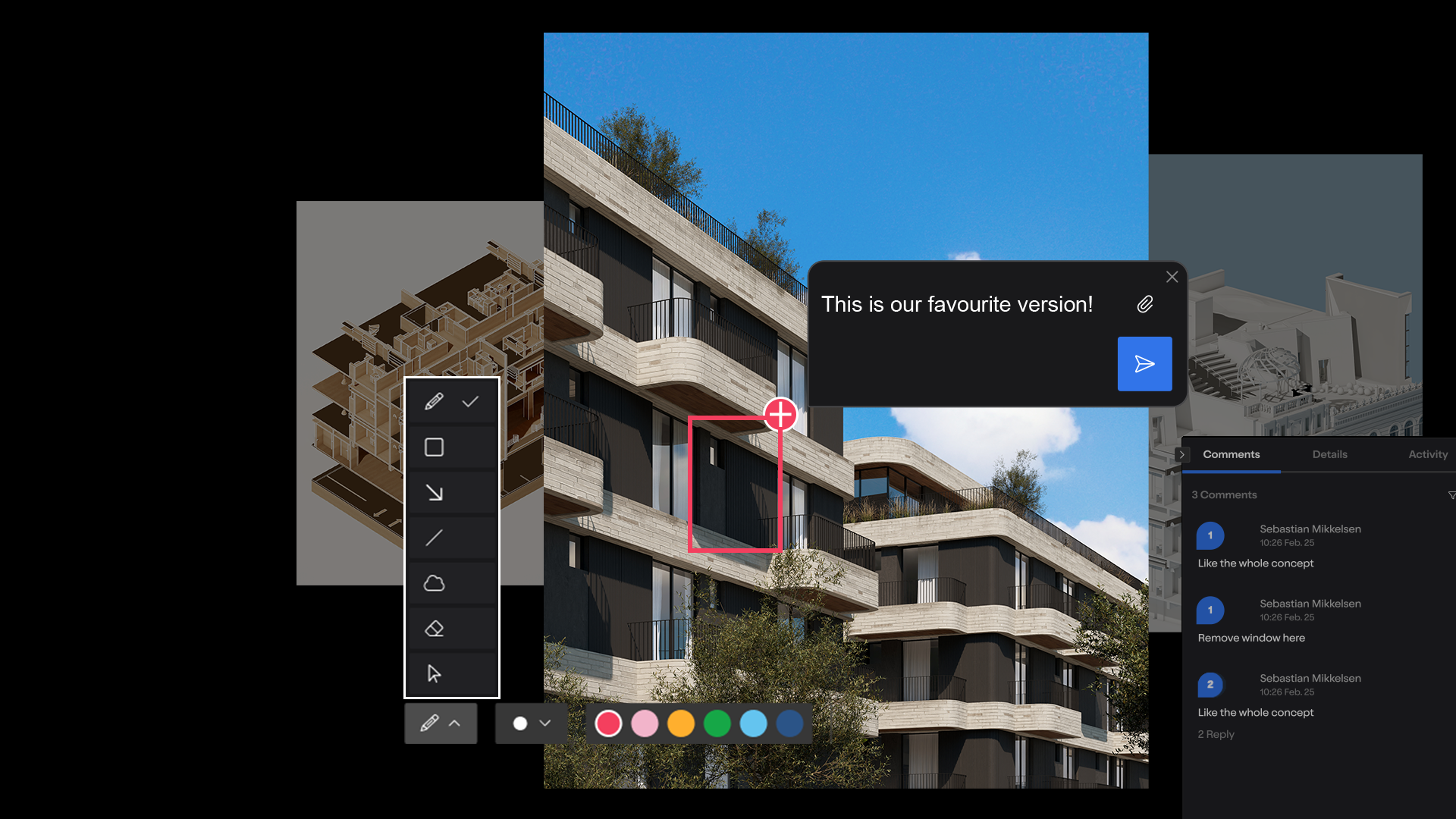
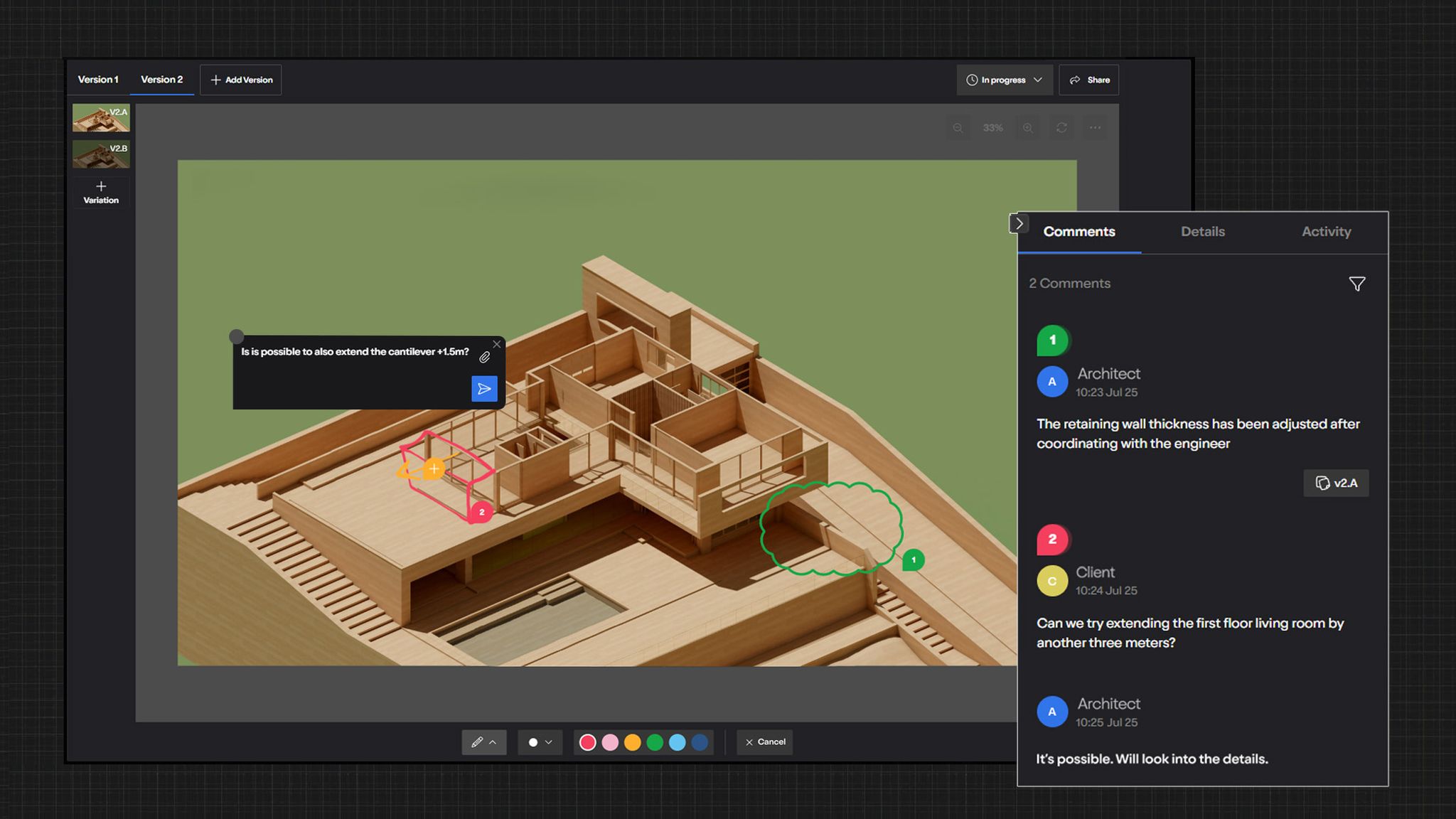
Pin comments to renders, add precise annotations, and keep the conversation going with threaded replies. All in context, all in one place.
See exactly which version you're reviewing, compare side-by-side, and keep changes organized.
Stay in the loop with instant notifications when comments, markups, or approvals are added.
With Lumion Cloud, there's no confusion about which version is correct.
Approvals that once took weeks now happen in days.
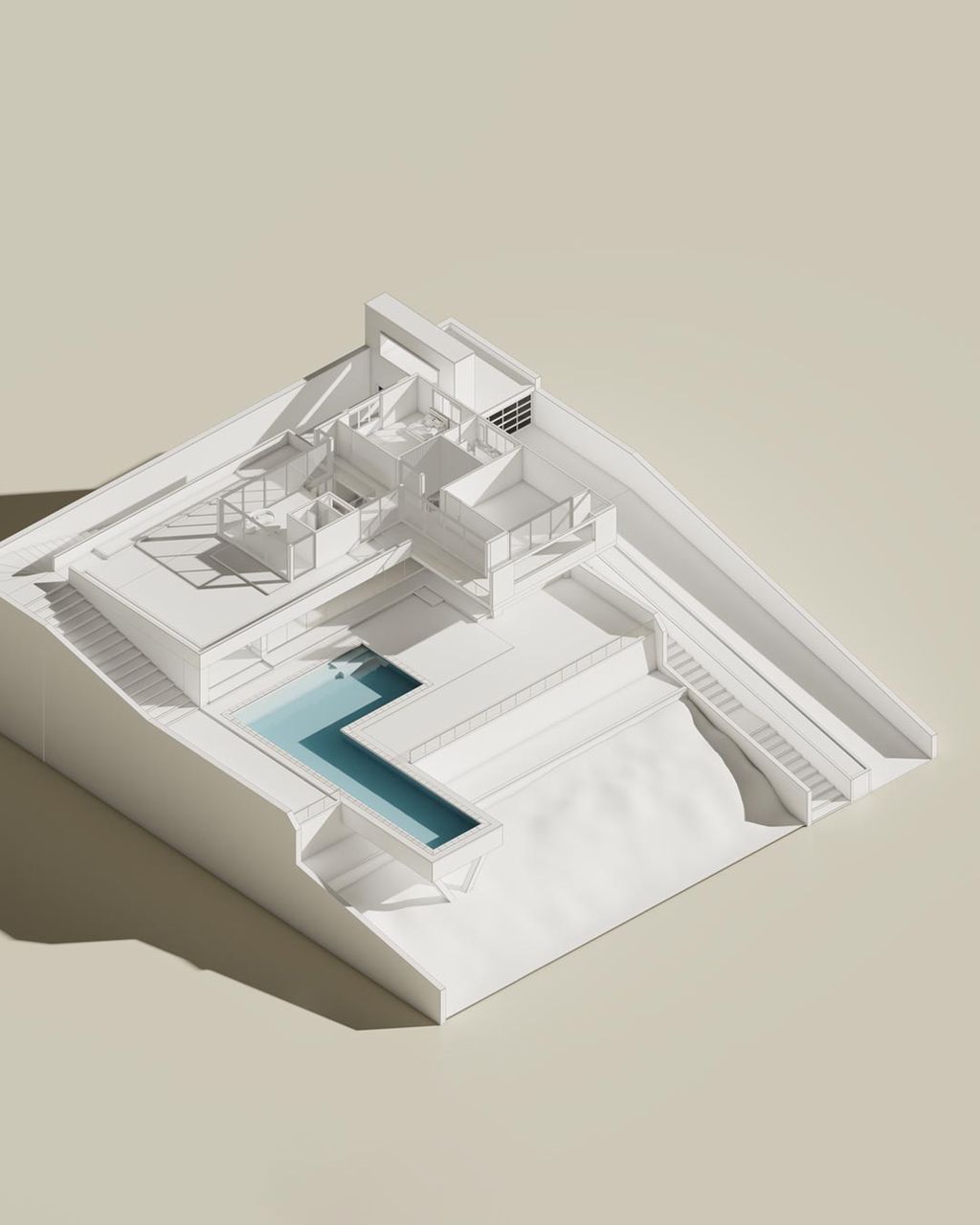
You wear every hat. Present visuals with clarity, simplify approvals, and impress clients without chasing them down.

Multiple projects, multiple stakeholders. Keep everyone aligned, cut rework, and speed up delivery without adding complexity.

Distributed teams, complex workflows. Ensure compliance, clarity, and alignment at scale—with full audit trails for every project.

One place for visuals and feedback means no guesswork. See the right version, understand the ask, and move.

Contextual comments and markups turn feedback into fast approvals. Less back-and-forth, more green lights.

Track status in Kanban, grid, or list views and keep a clean audit trail. Stay in control without extra admin.

Publish to Cloud straight from View and Pro. Reviews happen in the browser, so clients engage instantly.

Explore options fast, share early ideas, and invite quick reactions that shape your design.
Discover Lumion View

Create images, videos, and immersive 360 panoramas that tell the story of your design.
Explore Lumion Pro
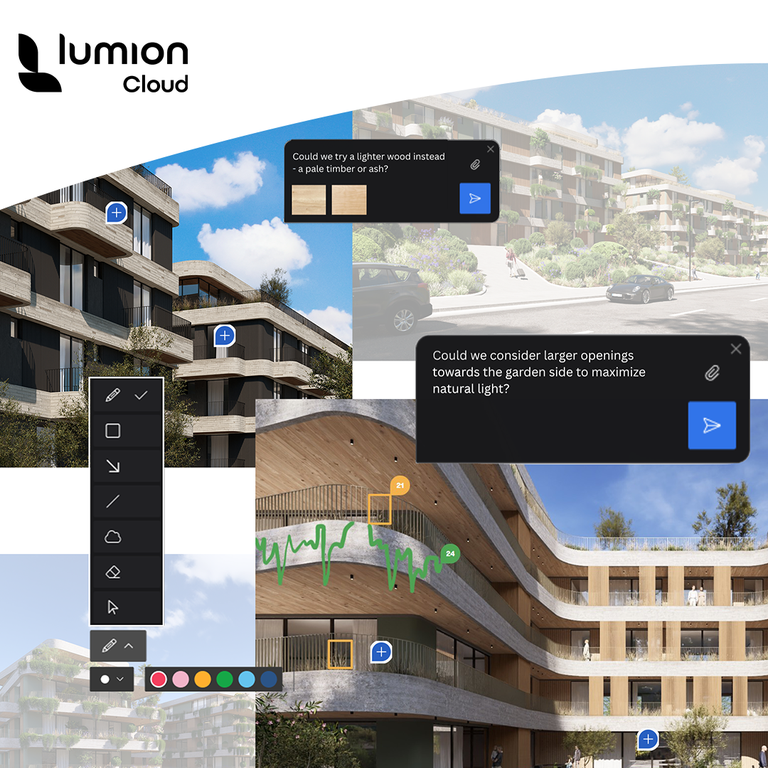
Centralize visuals, discussions, and decisions so the team stays aligned and approvals land sooner.
Start for free
Lumion Cloud is a new online collaboration hub designed for architects, designers, and visualization professionals. It allows you to upload renders directly from Lumion View and Pro, share them with clients and teams, collect feedback with built-in markup tools, manage versions, and track approvals—all in one central, visual workspace.
Yes. Lumion Cloud is free to use during the Beta period and is included with every Lumion Subscription (View, Pro, and Studio). Each account comes with space for up to 20 projects and 50GB of storage.
Lumion Cloud Beta comes with everything you need to collaborate seamlessly:
Simply log in with your Lumion Account details. Once you've updated to Lumion View 2025.4 or Lumion Pro 2025.1 (and more recent versions), you'll see the option to upload renders directly to Lumion Cloud.
If you don't have a Lumion Account, you can start for free here.
In the first Beta release of Lumion Cloud, you can work with images, videos, 360 panoramas, and PDFs.
Not at all. Clients and collaborators can open your projects right in their browser—no install needed. Just share a link or QR code and they're in.
Yes. You decide who gets access and how. Share with a private link or QR code, and keep every conversation secure, focused, and under your control.